ManyVids Video Downloader
Paste ManyVids Link ➞ Get Video Instantly
Download any ManyVids video instantly with Castmagic's powerful downloader. Save your favorite content in HD quality, generate automatic transcripts, and create clips from longer videos—all in under 60 seconds. Works with public ManyVids URLs on any device, no software installation required.

Fast, Reliable ManyVids Downloads in Original Quality
Stop dealing with sketchy downloaders that don't work or compress your videos. Castmagic delivers the ManyVids content you want in its original quality—whether that's 720p, 1080p, or 4K. Our servers handle the technical complexity while you get clean, high-quality downloads every time. No watermarks added, no quality loss, no frustrating error messages. Just paste the URL and download.
Beyond basic downloading, Castmagic adds serious value to every video. Get automatic transcripts to find specific moments later. Create short clips from longer videos for sharing. Generate captions for accessibility. One download gives you multiple formats and options, saving hours of editing work if you need to repurpose content.
We Power The Best Creators








How To Use Castmagic for ManyVids Video Downloader

How To Use Castmagic as a ManyVids Video Downloader
Paste Your ManyVids URL

Download Starts Automatically
Castmagic begins processing immediately—no waiting, no captchas, no surveys. Watch the progress bar as your video downloads in real-time. Most videos complete in under a minute regardless of length.

Save Your Video
Click 'Download' and select 'Download Original' to save the full video to your device. You can also grab transcripts, create clips, or generate social media cuts—all from the same download.
Download ManyVids Videos on Any Device
Forget complicated software installations or browser extensions that stop working after updates. Castmagic runs entirely in your web browser—Mac, PC, iPhone, Android, tablet, whatever you're using right now. Bookmark our site and you've got permanent access to reliable ManyVids downloads from any device. Your download history stays private and secure in your account.
ManyVids Video Downloader & Content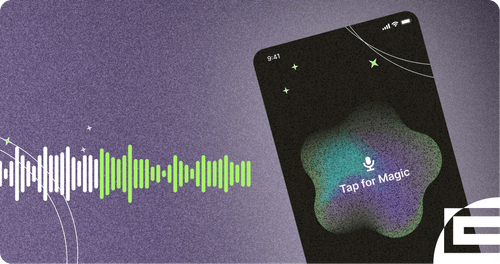
Premium Features That Actually Matter
Castmagic isn't just another basic downloader. Queue up multiple ManyVids URLs for batch downloading and save your entire wishlist at once. Every video preserves its original HD or 4K quality with zero compression. Your download activity stays completely private—no tracking, no data selling, just secure and confidential access to the content you want.
Clips & ManyVids Video Downloader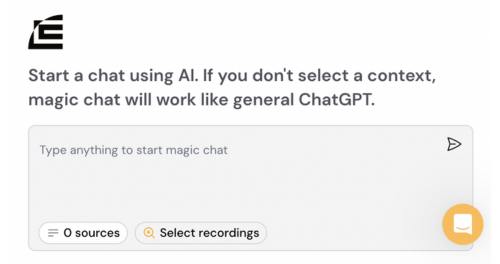
Works Where Other Video Downloaders Fail
Tired of "Video not found" errors? Sick of downloaders that worked yesterday but not today? Castmagic maintains compatibility with ManyVids' latest updates. Our team monitors for changes and updates our system immediately. While free downloaders break constantly, Castmagic stays reliable. Your subscription guarantees consistent access to the content you want.
ManyVids Video Downloader with iOS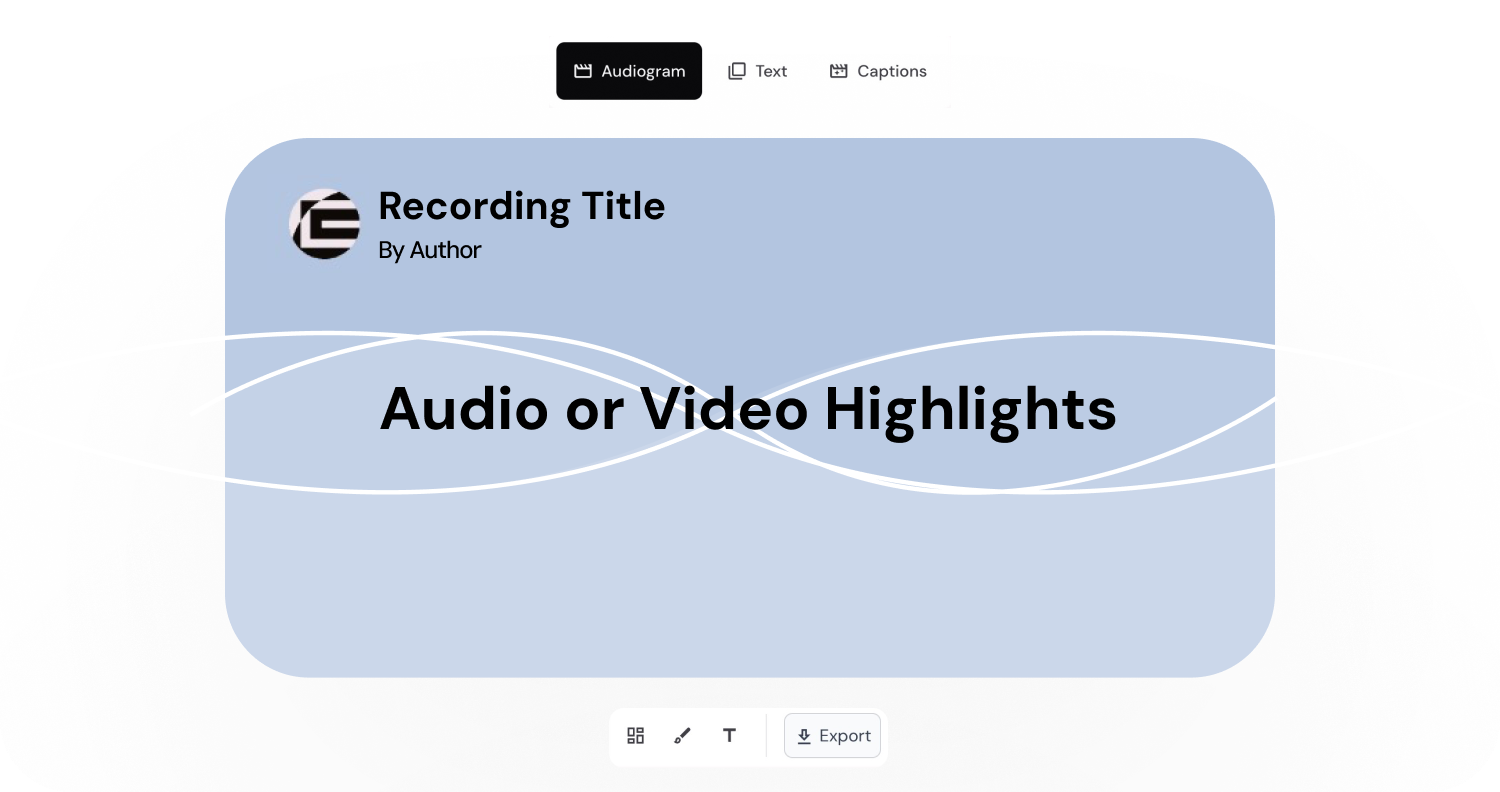
Endless Content Assets In Seconds
Automate all the tedious work that comes in editing and copywriting and say hello to your new best content editor.
Integrate Content From All Your Favorite Platforms
 RSS
RSS  Zoom
Zoom  Google Drive
  Wistia
  Descript
  YouTube
  Vimeo
Vimeo  TikTok
  Instagram
  Twitch
  Loom
Loom  Zapier
 Professional Creators Love Castmagic
Castmagic is just a great product. When it came to creating content around The Calum Johnson Show it made our life a lot easier. Highly recommend

Frequently Asked Questions
How do I download ManyVids videos?
Copy the ManyVids video URL from your browser, paste it into Castmagic's import field, and click submit. The download starts automatically and completes in under 60 seconds. Click 'Download Original' to save the video to your device in full quality.
What's the best ManyVids downloader?
Castmagic is the most reliable ManyVids downloader, offering fast downloads in original quality without software installation. Unlike free alternatives that frequently break, Castmagic maintains consistent compatibility with ManyVids and includes bonus features like transcripts and clip creation.
Can I download private ManyVids videos?
Castmagic can only download ManyVids videos you have legitimate access to view. If you can watch the video in your browser while logged into your ManyVids account, you can download it. Private or paywalled content requires proper access.
Why won't ManyVids videos download?
If ManyVids videos won't download, the URL might be incorrect, the video might be private, or you're using an outdated downloader. Castmagic stays updated with ManyVids' latest changes, ensuring consistent download success where other tools fail.
How to save ManyVids videos to phone?
Open Castmagic in your phone's browser (Safari for iPhone, Chrome for Android), paste the ManyVids URL, and download. The video saves directly to your phone's storage. No app installation needed—works entirely through your mobile browser.
Can I download multiple ManyVids videos at once?
Yes, Castmagic supports batch downloading. Add multiple ManyVids URLs to the queue and process them all automatically. Perfect for downloading entire collections or creator catalogs efficiently.
What quality are ManyVids downloads?
Downloads preserve the original upload quality. If the creator uploaded in 1080p, you get 1080p. If they uploaded in 4K, you get 4K. Castmagic doesn't compress or reduce quality—you receive exactly what was uploaded.
Is there a ManyVids downloader for iPhone?
Castmagic works perfectly on iPhone through Safari browser. No app needed—just visit Castmagic's website, paste your ManyVids URL, and download directly to your iPhone's photo library or files app.
How fast do ManyVids videos download?
Most ManyVids videos download in 30-60 seconds through Castmagic, regardless of video length. Download speed depends on your internet connection, but our optimized servers ensure maximum possible speeds.
Do I need an account to download ManyVids videos?
You need a Castmagic account to use the downloader, but you don't need a ManyVids account unless accessing private content. Public ManyVids videos download without any ManyVids login required.
Discover more usecases
Explore The Castmagic Blog…

Wie lang kann ein Instagram-Reel sein: Was du wissen musst

Automatisierte Tools zur Wiederverwendung von Inhalten, die am besten funktionieren

Die besten KI-Assistenten, um Ihren Arbeitsablauf heute zu verbessern

Die 7 besten Sprach-zu-Text-Apps für eine genaue Transkription

So verwenden Sie die Analysesoftware für Verkaufsgespräche, um mehr Umsatz zu erzielen

Beste KI-Newsletter-Generatoren zum Erstellen von E-Mails

Bester Generator für Diskussionsbeiträge: Lassen Sie KI für Sie recherchieren

So nehmen Sie Audio auf dem iPhone auf: Einfache Schritte für Anfänger