Wistia Video Downloader
- Funciona con cualquier enlace público
- Más de 60 idiomas
- ~3 min por hora de audio
- 6 formatos de exportación
Más de 100.000 podcasters y creadores confían en nosotros Privado y seguro: tus archivos son tuyos
Drop Wistia Video Link ➞ Instantly Access the Underlying MP4
Download Wistia-hosted videos and turn them into transcripts, captions, summaries, and repurposed content with Castmagic's AI content platform. Works with any public Wistia media URL or embed link.
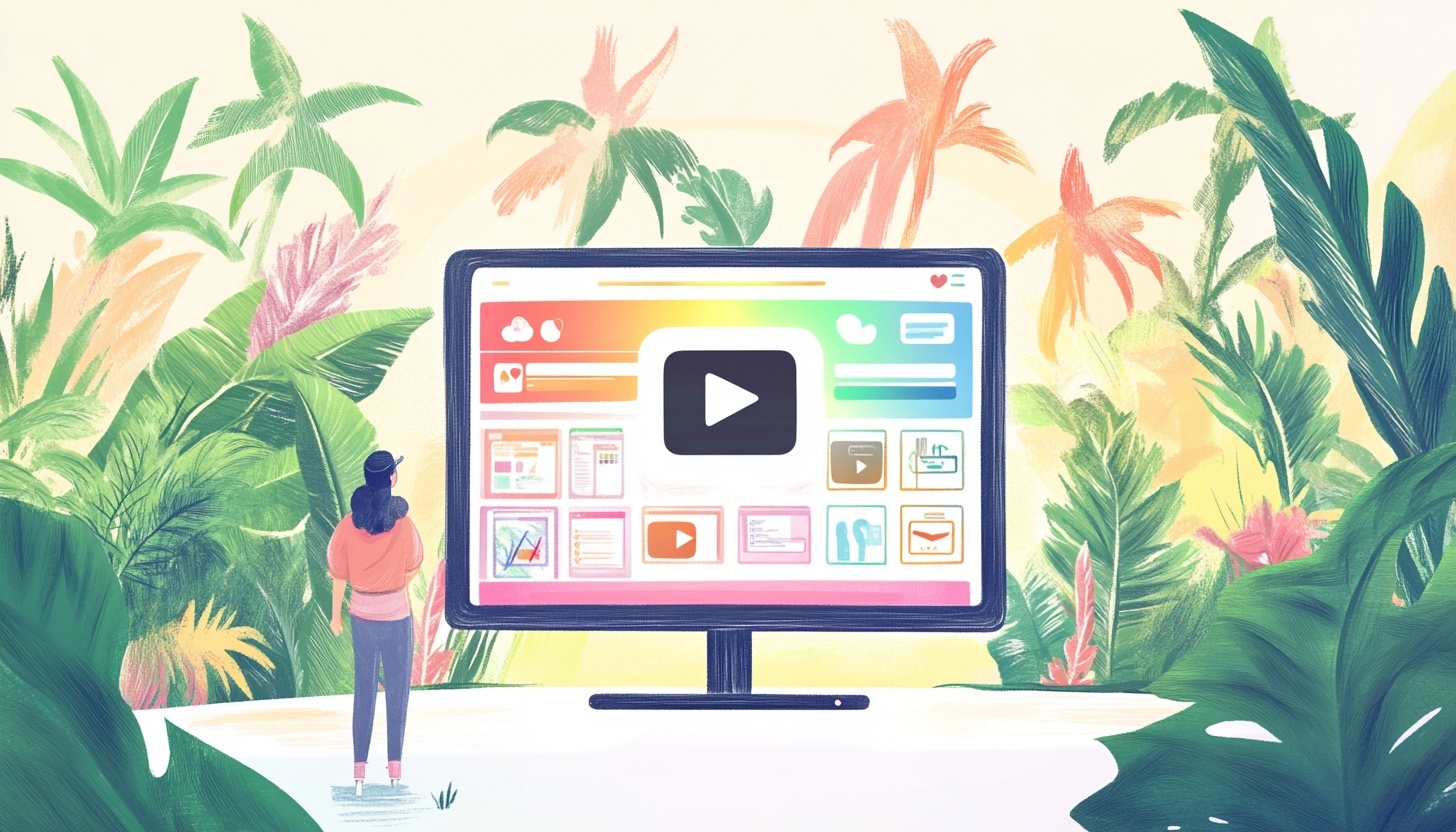
Wistia Hosts Your Video — Castmagic Lets You Repurpose It
Wistia is the go-to video host for marketing and product teams precisely because it locks viewing inside the Wistia player. That's great for analytics and engagement gating — and a real problem when you need the underlying MP4 to repurpose a customer testimonial, edit a recorded webinar, generate captions for a product tour, or feed a sales-demo transcript into your CRM.
Castmagic accepts any public Wistia media URL or embed link, pulls the source MP4 in seconds, and turns the audio into a full transcript automatically. From there, our AI generates whatever asset you need: a blog post from a webinar, captions and chapter markers from a product tour, a summary from a customer interview, social-ready clips from a demo recording.
Why marketing teams download Wistia videos
Wistia's pitch — host on Wistia, embed everywhere, track engagement — works because the platform keeps the video locked inside its player. That's exactly what you want for a gated webinar landing page or a product-tour funnel. It's exactly what you don't want when the marketing director asks for a transcript, the social team wants short clips, or the content lead wants a blog post based on the recorded customer interview.
Castmagic gets you the underlying file without changing how you publish. Paste a Wistia link; download the MP4; let our AI handle the repurposing. Same source video, ten different content assets.
Common Wistia download use cases
Recorded webinars become blog-post series. Customer testimonials become social-ready video quotes. Product tours become help-centre articles plus closed captions. Ventas demos become discovery-call summaries that flow into your CRM. Recorded podcasts hosted on Wistia become show notes, transcripts, and chapter markers — all without leaving Castmagic.
What Wistia URLs Castmagic supports
Any public Wistia URL works: the standard media URL (wistia.com/medias/<id>), the fast.wistia.com embed link, the channel page URL, or even a direct paste of the iframe URL from an embed code. If you can view the video in a browser without logging into Wistia, Castmagic can download it.
Wistia videos protected by a password, an email gate, or a workspace-only access policy can't be downloaded — Castmagic respects the same access rules Wistia enforces for viewing.
What you get back
Every Wistia video processed through Castmagic returns: the source MP4 file at its original resolution, a full speaker-attributed transcript, chapter timestamps where the content shifts topic, and a one-page editorial summary. From there, our AI can generate any of 30+ content formats — blog posts, LinkedIn carousels, follow-up emails, ad copy, even quiz questions for sales enablement.
We Power The Best Creators








How To Use Castmagic as a Wistia Video Downloader

Copy your Wistia video URL
Grab the link from your Wistia dashboard, the public media URL (wistia.com/medias/<id>), or the embed link (fast.wistia.com/embed/medias/<id>). Works for any publicly-accessible Wistia video.

Paste the URL into Castmagic
Drop the link into the field above. Castmagic resolves the Wistia media to its underlying MP4 file — no Wistia account or admin access required for public videos.

Download the MP4 + get a transcript
Castmagic delivers the source MP4 alongside a full transcript of the audio. The video is yours to download, edit, or reupload anywhere.
Generate content from the recording
Use the transcript to draft blog posts, summaries, social clips, captions, and chapter timestamps. Our AI presets target the exact content formats marketing and product teams already need.
Wistia Video Downloader & ContentExport wherever you publish
Push transcripts, drafts, and clips into Google Docs, Notion, your blog CMS, or a video editor. SRT/VTT captions export cleanly for re-embedding.
Clips & Wistia Video DownloaderEndless Content Assets In Seconds
Automate all the tedious work that comes in editing and copywriting and say hello to your new best content editor.
Integrate Content From All Your Favorite Platforms
 RSS
RSS  Zoom
Zoom  Google Drive
  Wistia
  Descript
  YouTube
  Vimeo
Vimeo  TikTok
  Instagram
  Twitch
  Loom
Loom  Zapier
 Professional Creators Love Castmagic
Castmagic is just a great product. When it came to creating content around The Calum Johnson Show it made our life a lot easier. Highly recommend

Frequently Asked Questions
Last updated June 2026 by the Castmagic team
How do I download a video from Wistia?
Copy the Wistia media URL (wistia.com/medias/<id>) or the fast.wistia.com embed link and paste it into Castmagic. We resolve the URL to the underlying MP4 file automatically — no Wistia admin account or login required for public videos.
Can I download a Wistia video that's password-protected or behind an email gate?
No. Castmagic only downloads Wistia videos that are publicly accessible in a browser. Videos protected by passwords, email gates, or workspace-only access policies can't be downloaded.
Do I need a Wistia account to use this?
No. Castmagic works with any public Wistia URL regardless of who owns the video. If you're the owner and want to download your own videos, you don't need to be logged into Wistia at all.
What file format does Castmagic save Wistia videos in?
MP4 at the highest resolution Wistia is serving for that video (typically 1080p). The original audio track is preserved, and we can additionally output captions in SRT or VTT format for re-embedding.
Can I get a transcript of a Wistia video?
Yes. Every video downloaded through Castmagic is automatically transcribed, with speaker attribution where possible and accurate timestamps. The transcript is the foundation our AI uses to generate every other content asset.
Does Wistia let me download my own videos without Castmagic?
Wistia does allow workspace admins to download their own videos through the dashboard, but the process is slow, requires admin access, and doesn't transcribe or repurpose the content. Castmagic skips all of that — paste, download, transcribe, repurpose, in under three minutes.
Can I batch-download multiple Wistia videos?
Yes. Paid Castmagic plans support batch URL imports — paste a list of Wistia links and the platform processes them in parallel, returning transcripts and content drafts in one workflow.
Discover more usecases
Explore The Castmagic Blog…

Cómo utilizar la IA para el marketing de pequeñas empresas: ganar más dinero

El mejor generador de publicaciones de debate: deja que la IA investigue por ti

La guía no autorizada para descargar audio de sitios web
7 Best Descript Alternatives for 2026

¿Puedes grabar videos de FaceTime en pantalla? Lo que necesita saber
Las mejores herramientas de marketing de contenidos que necesitas para 2026

Los mejores asistentes de IA para impulsar su flujo de trabajo en la actualidad
6 Best Otter.ai Alternatives in 2026 (Free and Paid)