
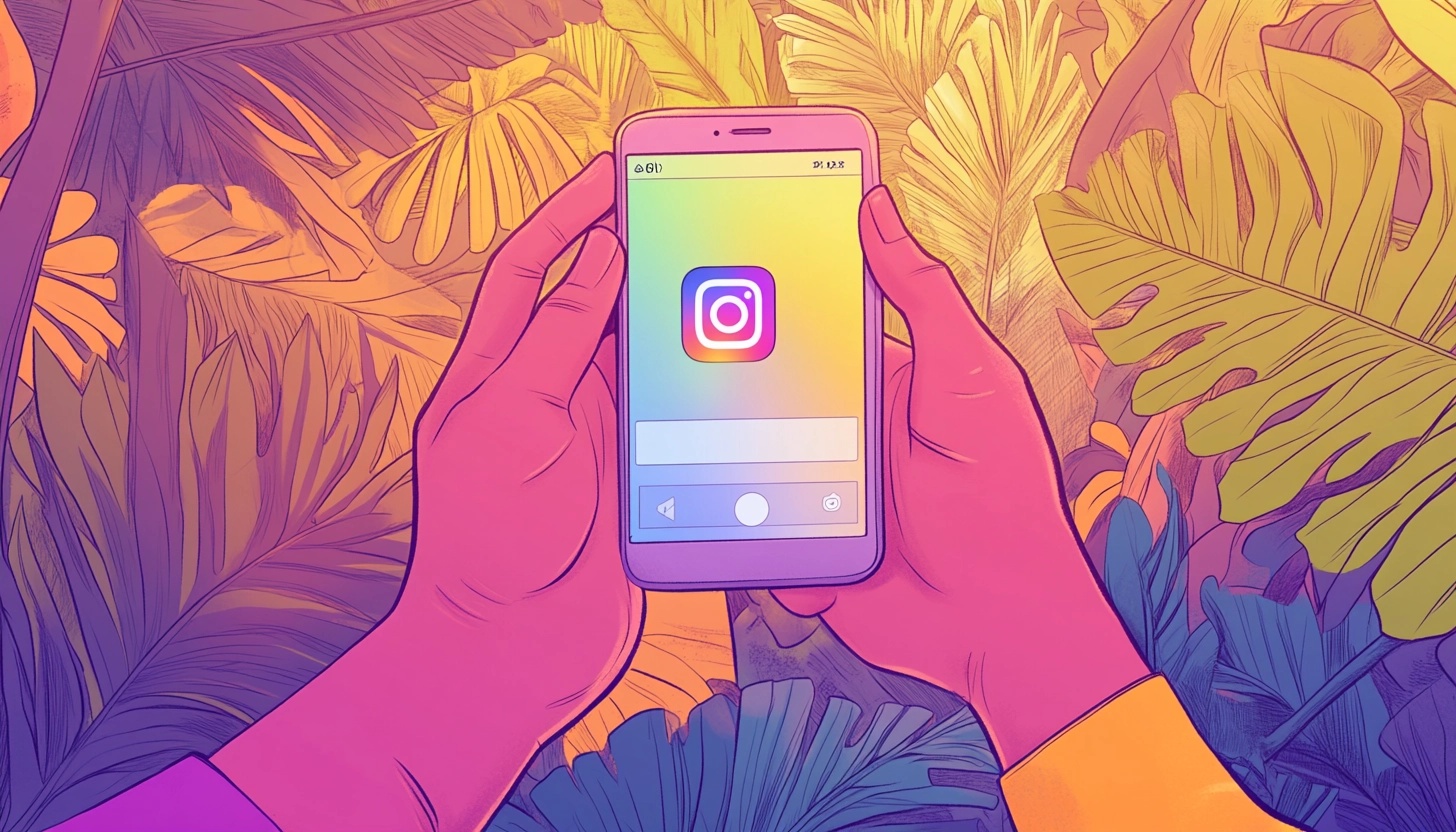
7 Easy Tricks to Master Instagram Reels
Get this - Instagram Reels are generating more engagement than regular posts on Instagram. How much more? About 22% more!
If you’re not using Instagram Reels in your marketing, you’re missing out. So let’s get your Instagram account in better shape with seven easy tricks you can use to master Instagram Reels.
Sound good? Awesome! Let's get into it.
The Basics of Instagram Reels
Unlike regular videos on the Instagram app, Reels are designed to be short, snappy, and attention-grabbing clips. The time limit for a Reel is 180 seconds (three minutes), so you need to make an impact quickly.
Instagram Reels also have their own dedicated tab on the Instagram App's explore page. This means your clips have the potential to reach a much wider audience than your regular feed posts.
The Reels algorithm prioritizes content that is highly engaged with and more likely to be shared. So the more views, likes, comments and shares your Instagram Reel gets, the more it will be pushed out to new viewers.
To create a Reel, you can use Instagram's built-in recording and editing tools. These include a music library, a wide range of filters and effects, and handy features like timer and align. Becoming familiar with the Reels interface is the first step to creating great content.
Alternatively, you can use a video editor or video creation app to generate your videos, and then upload them to the Instagram app on your smart device or computer.
Related: Add text and get a short form video with these AI video generators.
Easy and Essential Reels Features
Instagram offers a ton of cool features to level-up your Reels. Here are some essential elements that every creator should know:
Audio is a key component of engaging Instagram Reels. You can record your own original audio, use the Instagram music library, or borrow audio from other users' videos. Try to choose songs or sounds that complement your content and keep viewers hooked.
Effects and filters are a quick way to add visual polish to your Reels. Explore Instagram's effects gallery to find overlays, beauty filters, interactive backgrounds and more. You can even save your favorite effects for easy access to produce another Reel on Instagram later.
Getting the timing right is crucial for Reels. Use the align feature to create seamless transitions between clips. The timer is also handy for setting up shots and recording yourself hands-free. Experiment with different speeds to add more dynamic energy to your Reels.
Planning a Winning Reels Strategy
To make great Reels consistently, creators like you need a solid strategy. Start by getting to know your target audience and what kind of content they respond to. Check your Instagram analytics to see what time of day your followers are most active. You can also scope out competitors' Reels for inspiration and ideas.
Aim to post Reels on a regular schedule to keep your audience engaged. Try creating content themes or series to make your Reels feel cohesive. For example, you could do weekly tips, behind-the-scenes snippets, or day-in-the-life vlogs.
It's also important to keep up with the latest Reels trends and put your own spin on them. Trending music and challenges are a great opportunity to gain exposure. Just make sure you're still creating content that feels true to your brand voice and style.
Streamline Your Instagram Reels Production with Castmagic
Want to turn your long-form content into engaging Reels without starting from scratch? You need Castmagic!
Castmagic makes it easy to repurpose your existing audio and video content into bite-sized clips perfect for Instagram Reels. Simply upload your content, and Castmagic's AI will identify the most engaging moments and memorable quotes that can be transformed into attention-grabbing Reels.
Using Castmagic's Clip Finder feature, you'll get timestamps for your content's most shareable moments, complete with speaker attribution and context. This makes it simple to identify which segments will resonate most with your Instagram audience.
The platform also generates ready-to-use captions and hashtag suggestions to help your Reel on Instagram reach a wider audience.
For content creators who produce podcasts, YouTube videos, or other long-form content, this means you can efficiently create multiple Reels from a single piece of content. Our platform even helps you generate Instagram Reels scripts to promote your longer content!
Instead of brainstorming new ideas from scratch, you can focus on adding trending music and visual effects to your pre-identified clips perfect for Reels or TikTok videos. This approach not only saves time but ensures consistency in your messaging across different platforms.
Learn more about Castmagic's suite of tools.
Pro Tips for Creating Studio-Quality Instagram Reels
Don't let the lack of studio equipment or camera shyness hold you back. You can still create Instagram Reels worthy of new fans and followers. There are multiple approaches to creating professional-looking content, whether you prefer to be on camera or not.
For On-Camera Instagram Reels:
If you're comfortable being on camera, good lighting is key. Natural light is best, but you can also use a ring light or softbox to brighten up your shots. Avoid harsh shadows and aim for even, flattering light on your face. Pay attention to composition and framing - try different angles like straight-on, from below, or overhead. Leave space in the frame for on-screen text or other graphics, and keep your background neat and uncluttering.
For Faceless Instagram Reels:
Not everyone wants to be in front of the camera, and that's perfectly fine! Faceless Reels have become increasingly popular and can be just as engaging. Try using:
- Text-based animations with dynamic typography
- Screen recordings with voiceovers
- Point-of-view (POV) shots that show your hands or workspace
- Stock footage with compelling overlays
- Animated infographics and data visualizations
Related: Learn how to create a faceless YouTube channel.
Using AI for Animated Instagram Reels:
Modern AI tools can help you create professional-looking animated Instagram Reels without any filming required. You can transform your audio content into engaging animations, complete with synchronized motion graphics and captions.
This approach eliminates the need for studio lighting or camera equipment while still maintaining high production value.
When it comes to editing, keep your cuts snappy to hold viewers' attention, regardless of your content style. A good formula is to switch it up every two to three seconds. Enhance your visuals with pump-up effects like zoom ins, flashes, and warp transitions.
Just don't overdo it - the focus should still be on your core content.
Optimize Your Reels for Maximum Impact
Now that your Reel is recorded and edited to perfection, it's time to optimize it to get in front of as many eyeballs as possible!
Start with a compelling caption using relevant keywords. Explain the value viewers will get from watching your Reel and include a strong call to action.
Next, add plenty of topic-focused hashtags to make your Reel more discoverable. Aim for a mix of popular hashtags and more niche ones specific to your industry. Tag any collaborators or products mentioned to potentially reach their followers too.
Finally, always share your Reels to your main Instagram feed, not just the Reels tab.
This will put your Reel in front of all your current followers.
You can also share Reels to your Story for extra visibility. Promote your hottest Reels on your other social channels to drive more traffic.
Mistakes to Avoid When Making Reels
Even with the best strategies, there are still some common mistakes we see Instagram Reels creators make.
Here’s a few things to watch out for:
– Avoid blurry, low-quality footage at all costs. Make sure you're working with high-res clips and use Instagram's upload settings for best results.
– Check the recommended specs for Reels and crop your video footage to fit a 9:16 vertical aspect ratio.
– Be selective with your music choices to avoid annoying viewers or getting flagged for copyright.
– Don't stuff your captions with too many hashtags - 4-5 relevant tags is plenty.
– Make sure any if you add text overlays that they are placed thoughtfully and timed to be easily readable.
– Most importantly, don't get so caught up in trying to go viral with your short form video that your content feels inauthentic to your audience.
Stay true to your brand and keep creating Reels that provide real value to your target audience.
Related: "TikTok Videos Vs Instagram Reels vs YouTube Shorts"
Track Your Progress and Keep Improving
Finally, use Instagram Insights to track your Instagram Reels' performance and keep optimizing your strategy.
Key metrics include:
– Number of plays
– Likes
– Comments
– Shares
– Saves, and
– Reach
Aim to increase your metrics by making the first few seconds extra engaging.
Try testing different hooks, topics, music/original audio, effects etc. to see what works best.
Don't be afraid to ask your audience for feedback and ideas for future Reels too.
If you don’t hit a home run every time, don’t fret. Mastering Reels is a continuous process of experimentation and iteration.
Becoming a Reels Master: Your Next Steps
Creating engaging Reels is all about combining the right elements: high-quality visuals (whether filmed or AI-generated), attention-grabbing audio, strategic timing, solid video editing and consistent posting.
And remember, you don't need to be on camera to create great Reels – there are plenty of creative alternatives using text animations, voiceovers, or AI-generated content.
If you take nothing else from this post, take these seven tricks for Instagram Reels mastery:
- Make a plan for creating Instagram Reels so you can be consistent with your uploads
- Keep your content short, snappy, and valuable to your audience
- Use the first few seconds of your clips to hook viewers
- Optimize every Reel on Instagram with strategic hashtags and compelling Instagram captions
- Track your metrics and continuously refine your strategy
- Stay authentic to your brand while experimenting with trends
- Repurpose your existing content with Castmagic to save time and maintain consistency
Don't let perfect be the enemy of good – the key is to start creating and keep improving.
Ready to streamline your Reels creation process? Start by trying Castmagic free! Our AI-powered platform helps you transform your long-form content into engaging Reels-ready clips, complete with timestamps, captions, and hashtag suggestions.
Whether you're a podcaster, YouTuber, or some other type of content creator, Castmagic makes it easy to maintain a consistent Reels presence without starting from scratch. Get started with Castmagic today, and turn your content into Instagram magic.
More blogs like this

How to Use AI for Small Business Marketing: Make More Money
Because of AI programs, it’s easier than ever to level up your business. Whether you want to increase your output of blog posts, ramp up your social media efforts, or finally launch your email newsletter, AI software is giving you the shortcut to getting more things done in less time. Want in on this? Keep reading because in this post we’re breaking down how to use AI for small business marketing so you can make more money for your efforts.

How to Do a Voice Over: Beginner Tips for Professional Sound
Ever wondered why some voiceovers make you stop scrolling while others make you hit skip faster than you can say "subscribe"? The simple fact is, viewers are far more likely to abandon a video with poor audio quality than one with lower-quality visuals. Yep - you read that correctly. Your voice and audio matter more than your fancy camera!

Best Podcast Name Generator: Great Podcast Name Ideas
In this guide, we'll explore how to leverage podcast name generators effectively, combine them with creative strategies, and land on podcast name ideas that resonate with your audience and stand out in crowded directories. Among the many tools available, Castmagic stands out as the best podcast name generator for both your overall show title and individual episode names.
6 Best Riverside Alternatives in 2026 (Free and Paid)
Looking for a Riverside (riverside.fm) alternative? Here are the 6 best, sorted by the job you need done: remote recording, live streaming, editing, or turning your episodes into content.

Best AI Social Media Post Generator: Improve Your Content Creation
Whether you're managing accounts for a trendy coffee shop or a global enterprise, AI tools have evolved from simple schedulers into intelligent creative partners that understand your brand voice and audience preferences. Let's dive into everything you need to know about AI social media post generators. We'll explore what makes these tools indispensable, how to choose the right one for your needs, and how to maximize their potential without sacrificing authenticity.

Can You Screen Record FaceTime Videos? What You Need to Know
People record FaceTime calls for many reasons: preserving family memories, documenting work meetings, creating tutorials, or saving important conversations. Whatever your purpose for wanting to record FaceTime audio, this guide will walk you through what you need to know.

Best SEO Tools for Small Businesses in 2026
If you're running a small business in 2026, we've got some good news. You don't need a massive marketing budget or a team of SEO experts to compete with larger companies. What you do need are the best SEO tools for small businesses that can level the playing field and help you punch above your weight class.

Best AI Assistants to Boost Your Workflow Today
As much as half our workday can get consumed by busywork that doesn't move the needle forward. Your precious time vanishes into calendar conflicts, email management, note-taking, and repetitive tasks. But here's the exciting news: the best AI personal assistants have evolved from simple voice commands into sophisticated digital partners that can reclaim those lost hours!

Best Podcast Transcription Services Worth Trying Today
When you transcribe your podcast episodes, you're essentially creating a treasure trove of keyword-rich content that can boost your online visibility exponentially. Plus, you're opening your show to audiences who prefer reading over listening, not to mention those who are deaf or hard of hearing. But, we get it: manually transcribing your own podcast is brutal. That's time you could spend creating better content, connecting with your audience, or actually growing your show! The best podcast transcription services save you from this drudgery while delivering accurate, usable transcripts that work for your workflow and budget.