
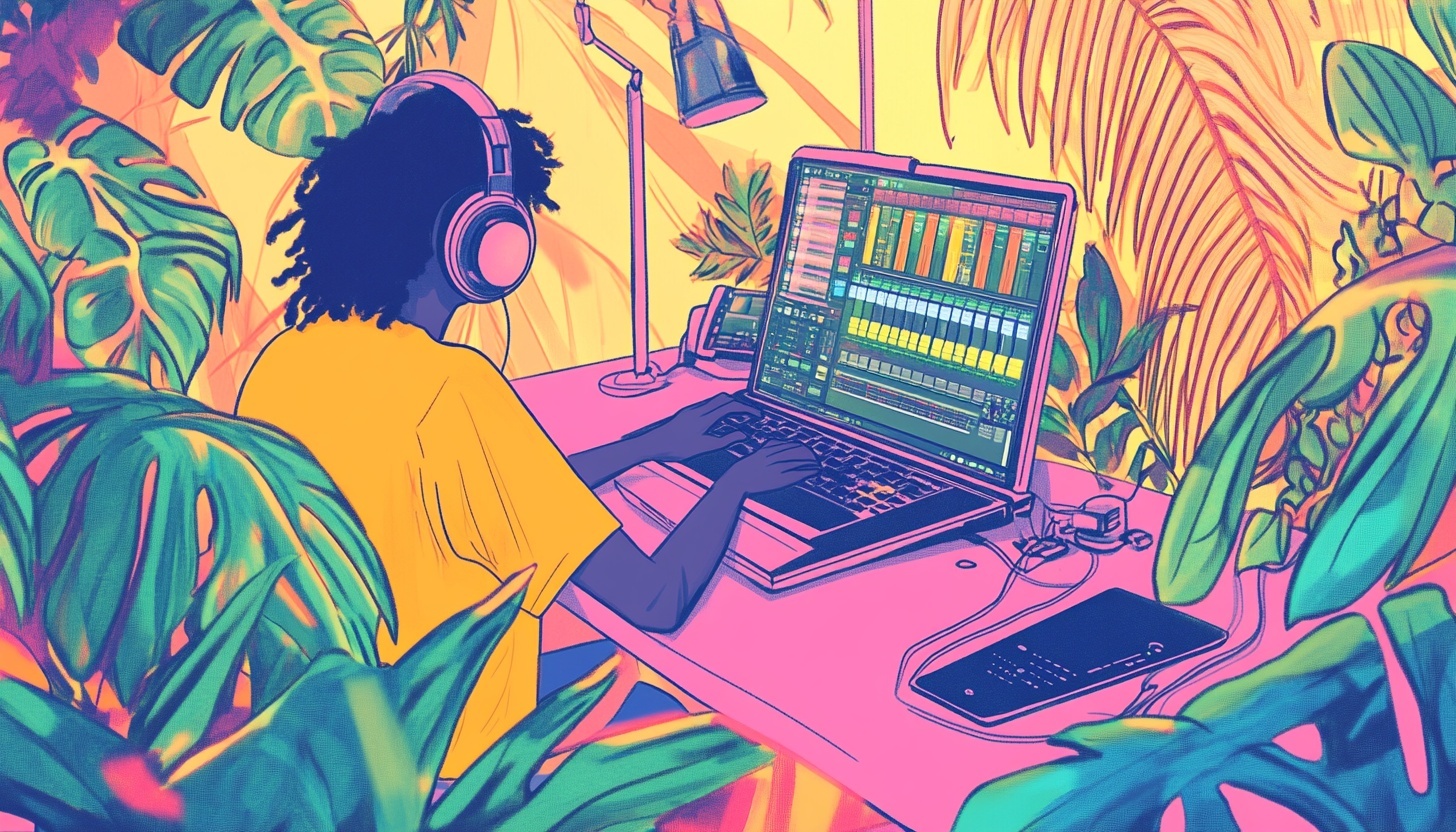
Podcast Background Ideas: Quick Tips for Stunning Videos
You might already know this, but a lot of podcast listeners prefer to actively watch the video while tuning into their shows on YouTube these days. And, the first thing they see isn't your carefully crafted message or your engaging personality. It's your background.
We've all been there, scrolling through YouTube or social media, and landing on a podcast video where the host is sitting in front of a cluttered bookshelf, a blank wall that screams "I didn't think this video podcast through."
Or worse, a pile of laundry that definitely shouldn't be part of anyone's brand identity. Ouch!
The truth is, your podcast background matters more than you might think. It sets the tone before you even say a word, reinforces your brand identity, and can be the difference between a viewer clicking away or settling in to hear what you have to say.
You don't exactly need a fancy podcast studio per se. But, you do need to put a little effort in.
Whether you're just starting your video podcast or looking to elevate your existing setup, we're here to share practical podcast background ideas that'll transform your videos from amateur to absolutely stunning.
No matter your budget or space constraints, there's a solution that'll work for you!
Why Your Podcast Background Actually Makes or Breaks Your Show
Let's get real for a moment. When someone clicks on your video podcast, they're forming an opinion about you within seconds. Not minutes. Seconds!
Your background is communicating volumes about your professionalism, your attention to detail, and even your expertise before you've had the chance to introduce yourself.
Think about it this way: would you trust financial advice from someone recording in their messy garage with tools scattered everywhere?
Probably not.
But that same setup might be perfect for a DIY or maker podcast where authenticity and hands-on experience are part of the appeal. The key is alignment between what you're saying and what viewers are seeing behind you.
A well-chosen podcast background does double duty.
First, it keeps viewers focused on you and your message rather than getting distracted by whatever's happening in the frame.
Second, it reinforces your brand identity with every single video you publish. When your audience recognizes your signature setup, you're building visual consistency that makes your content memorable and instantly recognizable when they're scrolling through their feed.
Related: Check out our guide "How to Start a Podcast"Check out our guide "How to Start a Podcast"
Essential Podcast Background Ideas That Work for Everyone
The minimalist podcast studio setup is having a major moment, and for good reason!
A clean, neutral-colored wall creates a professional appearance that puts all the focus exactly where it should be (Hint: It's on you!).
Solid colors in soft grays, warm beiges, or even deep charcoals provide a timeless aesthetic that won't distract from your content. The beauty of minimalism is that it works for virtually any podcast genre, from business and tech to wellness and personal development.
But here's the trick we've learned: don't position yourself right up against the wall.
Leave some distance!
This creates natural shadow separation that adds depth to your video and prevents that flat, passport-photo look that screams amateur hour.
Pay attention to how different wall colors interact with various skin tones and lighting conditions, and you'll find that certain neutrals work better than others for creating that polished, professional vibe.
For podcasters who want to communicate expertise and authority, the bookshelf background remains a classic choice. There's something about organized shelves filled with books that immediately suggests knowledge and credibility.
The key is creating visual balance without overwhelming the frame. Arrange your books thoughtfully, mixing in a few carefully selected objects that relate to your podcast niche. Maybe it's a plant, an award, or memorabilia that tells a story about who you are and what you do.
Pro Tip: Whatever you do, avoid the temptation to cram every inch of shelf space!
Strategic empty spaces prevent the background from becoming too busy and competing with you for attention. We've seen countless successful podcasters use this approach because it strikes that perfect balance between interesting and distracting.
Texture is another powerful tool in your podcast background arsenal. Brick walls, wood paneling, acoustic panels, or textured wallpaper add visual interest while maintaining that professional edge you're going for.
These backgrounds work exceptionally well for creative podcasters in fields like music, art, or photography where that slightly edgy, authentic feel complements the subject matter. Just be cautious with overly busy patterns. They can create weird visual effects on camera that'll have viewers focusing on your wall instead of your words.
Making Your Mark with Branded Backgrounds
Want to take your podcast background to the next level? Custom branding is where it's at!
Using backdrop stands with your podcast logo, brand colors, or graphics creates maximum impact and turns every video clip into a branding opportunity.
When viewers see your content shared on social media, they'll immediately know it's yours.
The approach here requires some finesse, though. You don't want your podcast logo dominating the entire frame like a billboard. Subtle corner placement or incorporating brand colors into your overall design creates sophistication without overwhelming the visual.
Think about it as weaving your brand identity throughout the background rather than slapping it front and center.
The template is simple: your logo plus your brand colors plus clean design elements equals a professional, memorable podcast background that reinforces who you are.
Some podcasters thrive with natural environment setups and decor that feel genuine and relatable. Your home office or workspace can become an incredibly effective podcast background when styled intentionally.
Incorporating plants, positioning yourself near windows for natural light (or using softbox lights), or adding outdoor elements creates warmth and authenticity that viewers connect with on a deeper level.
The challenge is making sure your space looks intentional rather than accidental. There's a big difference between "cozy home office" and a messy "didn't bother to clean up before recording" experience for your video podcast.
Also see: Video Podcast vs Audio Only: Which is Best? Video Podcast vs Audio Only: Which is Best?
Unlocking Versatility with Green Screen Technology
Green screens open up a world of possibilities for podcasters, but they're not the right choice for everyone. They shine brightest when you need flexibility.
Think multiple virtual locations, frequent background changes, or when you're working with limited physical space.
Educational content creators, travel podcasters, and shows that incorporate lots of on-screen graphics often benefit tremendously from green screen setups.
Setting up your green screen properly makes all the difference between professional results and that awkward, glitchy look we've all seen. You'll need an even, wrinkle-free green screen surface positioned with adequate distance from you.
Proper lighting (typically with softbox lights) is absolutely critical to avoid shadows and hotspots that'll ruin the effect. Just like you would configure your audio settings, you'll need to configure your camera settings specifically for optimal keying. You'll be amazed at the results a little effort can make!
When selecting virtual backgrounds, the golden rule is matching the lighting. If the virtual background shows bright daylight streaming in from the left but you're lit from the front with studio lights, viewers will subconsciously notice something's off. Keep your virtual backgrounds relatively simple too—overly complex or animated backgrounds become distracting and undermine the professional appearance you're working so hard to create.
Lighting: The Secret Ingredient for Any Podcast Background
Here's something we can't emphasize enough: even the most carefully curated podcast background will look terrible with poor lighting! Mastering three-point lighting creates professional results that separate you from the background and add beautiful depth and dimension to your videos.
This includes:
- Your key light
- A fill light, and
- A backlight
The backlight, often called a hair light, is particularly magical. It creates that subtle glow around you that adds polish and prevents you from blending into your background. Strategic background lighting takes things even further.
Accent lights can add color or highlight specific background elements, creating visual layers that make your videos more dynamic and engaging. LED strip lights or practical lamps positioned thoughtfully can create that ambient glow that makes everything look more intentional and professional.
Natural light brings its own set of challenges and opportunities. While window light can be gorgeous, it's inconsistent across recording sessions unless you're filming at the exact same time every day.
That's why we always recommend supplementing with artificial lighting for consistency. Your viewers won't notice the subtle differences from episode to episode, but they'll definitely notice if your lighting quality is all over the place!
Design Principles Every Podcaster Needs to Know
The rule of thirds isn't just for photographers. It works beautifully for podcast backgrounds too!
When you decorate your "set," position interesting background elements at those natural intersection points where the eye naturally travels.
This creates balanced compositions that feel professional and intentional. Your goal is visual balance without perfect symmetry, which can actually feel static and boring.
Creating depth and dimension transforms flat, boring videos into cinematic, engaging content. Think in layers: foreground, you as the subject, and background. Leave space between yourself and your background. We're talking at least a few feet when possible.
This layering creates that professional appearance that makes viewers feel like they're watching high-quality content worth their time.
Budget-Friendly Solutions That Don't Look Cheap
Starting a video podcast doesn't require a massive investment in fancy equipment and elaborate sets! DIY solutions using items you already own can look surprisingly professional.
That spare room corner, converted closet space, or even just a well-styled section of your living room can become your podcast background with some creative thinking.
Curtains, blankets, or fabric can serve as temporary backdrops while you're getting started. Collapsible backdrop stands are incredibly affordable and offer flexibility as your show evolves. Foam boards and poster boards from your local craft store can be game-changers for creating clean, professional backgrounds on a shoestring budget.
The key is making gradual upgrades as your podcast grows rather than feeling like you need to invest thousands upfront.
If you're working with limited space, and most of us are, corner setups minimize space requirements while still delivering professional results. Using walls or folding screens to create dedicated recording areas helps you establish consistency without taking over your entire home!
In the worst case scenario, you can blur some of your background in a pinch.
Testing, Refining, and Perfecting Your Setup
Just like you should do with an audio only podcast, recording test footage before going live with a new podcast background is non-negotiable!
Review your footage on multiple devices because what looks great on your computer monitor might not translate well to mobile phones where a significant portion of your audience is watching.
Pro Tip: Get feedback from trusted viewers or fellow podcasters.
They'll notice things you've become blind to after staring at your setup for hours.
Pay attention to your analytics and viewer feedback after making background changes. Are people watching longer? Engaging more?
Sometimes the data tells a story that confirms or contradicts your assumptions about what works. Don't be afraid to A/B test different backgrounds to determine what resonates best with your specific audience!
Keep your background fresh and clean with regular maintenance. Dust shows up on camera! Seasonal or periodic updates prevent visual staleness and show your audience that you're continually investing in quality.
Document your setup with photos and measurements so you can recreate it consistently. Nothing's worse than spending an hour trying to remember exactly where that plant was positioned last time!
Maximizing Your Video Podcast Content Beyond the Background
Once you've perfected your podcast background and started recording stunning video content, the work doesn't stop there. The most successful video podcasters maximize every minute of footage they create by repurposing it across multiple platforms and formats.
After all, you've invested time and energy into creating that professional visual setup, why not get the most mileage out of every recording?
Consider using AI-powered tools like Castmagic to transform your video podcast episodes into diverse content assets. Upload your recording and instantly generate show notes, social media posts, blog articles, email newsletters, and highlight clips—all from a single episode.
Check out all of Castmagic's tools for podcasters.
This approach allows you to maintain that consistent, professional appearance you've worked hard to create while expanding your reach across platforms. Your carefully curated background becomes part of your brand across YouTube, Instagram, TikTok, LinkedIn, and beyond.
Testing your background also means reviewing how it looks in short-form clips and snippets. Tools that can automatically identify the best moments from your episodes help you create engaging clips that showcase both your content and your professional setup.
These clips become powerful marketing tools that draw viewers to your full episodes, making your background investment work even harder for you.
Creating Your Signature Look, One Episode at a Time
Your perfect podcast background is out there waiting for you, whether it's minimalist and modern, bookshelf-backed, green-screened, custom-branded, or nature-inspired. The best podcast background aligns with your content, reflects your personality, and meets your audience's expectations. It doesn't have to be expensive or elaborate. It just has to be intentional!
Start with one simple improvement before your next recording session. Maybe that's decluttering what's visible in frame, adjusting your lighting, or finally hanging that backdrop you've been thinking about. Professional podcast backgrounds are absolutely achievable at any budget level, and every improvement you make compounds to create a more polished, engaging viewing experience.
Your background tells a story about who you are and what viewers can expect from your content. Make sure it's a story you're proud to tell! And once you've created that stunning visual setup, remember to maximize its value by repurposing your content strategically. Now get out there and create something stunning. Your audience is waiting to see what you've got to say, and now they'll have something beautiful to look at while they're listening.
More blogs like this
Fireflies.ai Pricing (2026): Free Plan, Pro vs Business, and Is It Worth It?
Fireflies.ai pricing explained: what the free plan really includes, what Pro, Business and Enterprise cost per seat monthly vs annually, the storage caps that catch people out, and whether it's worth it.

Best AI Newsletter Generators to Create Emails
AI newsletter generators are software platforms that use artificial intelligence to automate and enhance every aspect of email newsletter creation. We're talking about tools that can draft compelling copy, design eye-catching layouts, personalize content for individual subscribers, and optimize send times. They can do all of this with minimal human intervention!
How to Find Zoom Recordings: Step-by-Step Guide
Picture this: You've just wrapped up an important client presentation, a critical team brainstorming session, or an educational webinar that you absolutely needed to reference later. You hit that record button during your Zoom meeting, breathed a sigh of relief knowing everything was captured, and then... where did it go?

Best AI Social Media Post Generator: Improve Your Content Creation
Whether you're managing accounts for a trendy coffee shop or a global enterprise, AI tools have evolved from simple schedulers into intelligent creative partners that understand your brand voice and audience preferences. Let's dive into everything you need to know about AI social media post generators. We'll explore what makes these tools indispensable, how to choose the right one for your needs, and how to maximize their potential without sacrificing authenticity.

Best Blog Generator: 6 Tools to Save Hours on Blogging
In this guide, we're diving into seven of the best blog generators available today. Whether you're a solo entrepreneur, content marketing strategist, or digital marketing professional looking to scale your output with amazing blog ideas, we've got you covered. Let's explore how these powerful tools can transform your blogging workflow and help you reclaim those precious hours.
6 Best OpusClip Alternatives in 2026 (Free and Paid)
Looking for an OpusClip alternative? Here are the 6 best, sorted by the job you need done: clips plus full content from one upload, cheaper clipping, captions, or hands-on editing.
Best SEO Tools for Small Businesses in 2026
If you're running a small business in 2026, we've got some good news. You don't need a massive marketing budget or a team of SEO experts to compete with larger companies. What you do need are the best SEO tools for small businesses that can level the playing field and help you punch above your weight class.
Best Instagram Caption Generator: Paid and Free AI Tools
AI caption generators can save you a boat load of time! With Instagram's algorithm shift deprioritizing hashtags in favor of keyword-rich captions, these tools for good Instagram captions have become essential for content creators, brands, and social media managers seeking discoverability. This guide covers the top free and paid Instagram caption generators and how to use them effectively to create captions that drive real results.
10 Must Have YouTube Tools to Grow Your Channel
We’re betting if you landed on this page, you’re looking to take your YouTube channel to the next level. If we're right about this, then buckle up, because we’re about to share the must have YouTube Tools to grow your channel.