Vimeo Video Downloader
- Works with any public link
- 60+ languages
- ~3 min per hour of audio
- 6 export formats
Loved by 100K+ podcasters & creators Private & secure — your files stay yours
Drop a Vimeo Link ➞ Download the Video
Download public Vimeo videos as MP4 files you can keep, edit, and repurpose — even when the creator hid the download button. Paste a Vimeo link and Castmagic saves the video, plus a transcript and captions from the same file.
Save Public Vimeo Videos — Even Without a Download Button
Vimeo is where a lot of high-quality video lives — conference talks, course lessons, brand films, portfolio pieces — and the platform hands creators a switch to turn the download button off. So you can sit and watch a public video, but you can't save the file to clip it, archive it, edit it, or work from it offline.
Castmagic gets you the file. Paste a public Vimeo link and we resolve the video and return a standard MP4 you can keep, edit in any tool, and use however you need. And because video is usually a means to an end, the same link also returns a full transcript with timestamps and captions you can export — so the talk, lesson, or interview becomes searchable text and subtitled clips, not just a saved file.
Why download a Vimeo video
The reasons are practical: archiving a permanent copy of your own work before a subscription lapses, editing highlights and clips from a recorded talk or webinar, keeping course and training content available offline, and pulling a transcript out of a long-form interview or presentation. A disabled download button blocks all of that for no reason other than the uploader's toggle — Castmagic resolves the public stream so you can actually use the video you're allowed to watch.
The MP4 plus a transcript, from one link
Saving the file is the start. Vimeo hosts a lot of spoken-word content — talks, lessons, interviews, panels — which is exactly the material worth turning into text. The same link returns a timestamped, speaker-labelled transcript and captions (SRT or plain text), and from there Castmagic's AI generates summaries, pull-quotes, blog drafts, and clip suggestions. It pairs with Castmagic's Vimeo transcription tool: this page gets you the video file; that one focuses on the words.
Which Vimeo links work — and which don’t
Public Vimeo videos — the ones anyone can watch without logging in — work, even if the creator disabled the download button. What can't be reached: private or login-only videos (they require an account the tool doesn't have), password-protected videos (a recent Vimeo API change broke password support, and an anonymous tool can't supply the password anyway), and domain-restricted or embed-only videos locked to a specific site. And the obvious one: download videos you have the right to — your own work, content licensed to you, or public videos for personal use or properly-credited commentary, not to re-host someone else's film as your own.
We Power The Best Creators








How To Download a Vimeo Video

Copy the Vimeo link
Open the video on Vimeo and copy its URL from the address bar or the Share panel — it looks like vimeo.com/<numeric-id>. The public video page link is what you need.

Paste the link into Castmagic
Drop the Vimeo URL into the field above and submit. Castmagic resolves the public video stream automatically — no Vimeo account, app, or browser extension required.

Download your MP4
In moments you have a standard MP4 at the best quality Vimeo offers for that video — ready to keep, edit, and use offline, even though the on-page download button was switched off.
Get the transcript and captions
The same video comes back with a full timestamped transcript and captions (SRT or plain text), so you can subtitle the clip, search the content, or hand it to the AI.
Vimeo Video Downloader & ContentRepurpose the video into content
Use Castmagic's AI presets to generate a summary, pull-quotes, a blog draft, and clip suggestions from the transcript — turning a saved Vimeo video into publishable content.
Clips & Vimeo Video DownloaderEndless Content Assets In Seconds
Automate all the tedious work that comes in editing and copywriting and say hello to your new best content editor.
Integrate Content From All Your Favorite Platforms
 RSS
RSS  Zoom
Zoom  Google Drive
  Wistia
  Descript
  YouTube
  Vimeo
Vimeo  TikTok
  Instagram
  Twitch
  Loom
Loom  Zapier
 Professional Creators Love Castmagic
Castmagic is just a great product. When it came to creating content around The Calum Johnson Show it made our life a lot easier. Highly recommend

Frequently Asked Questions
Last updated June 2026 by the Castmagic team
How do I download a video from Vimeo?
Copy the public Vimeo video link (vimeo.com/<id>) and paste it into Castmagic. We resolve the video stream and return a standard MP4 — plus a transcript and captions from the same video. It works even when the creator has hidden the on-page download button.
Can I download a Vimeo video if the download button is disabled?
Yes, for public videos. The download button is just a creator toggle on the page; it doesn't change whether the video is publicly streamable. Castmagic resolves the public stream, so a hidden download button doesn't stop you saving a video you're allowed to watch.
Can I download private or password-protected Vimeo videos?
No. Private or login-only videos require an account the tool doesn't have, and password-protected videos can't be reached — a recent Vimeo API change broke password support, and an anonymous tool can't supply the password regardless. This works with public videos.
Do I need a Vimeo account or Pro plan to download?
No. Castmagic pulls public videos from just the link — no Vimeo account, no Pro subscription, and you don't need to be the uploader. You only need a publicly-viewable video URL.
What video quality will I get from Vimeo?
Castmagic pulls the highest-resolution stream Vimeo publishes for that video, so the MP4 matches the source quality rather than a re-compressed copy. Available resolutions depend on what the creator uploaded.
Is it legal to download a Vimeo video?
Downloading your own videos, content licensed to you, or public videos for personal use or properly-credited commentary is standard practice. What you shouldn't do is re-host or republish someone else's work as your own — normal copyright rules apply regardless of the tool.
Can I get a transcript of the Vimeo video too?
Yes. The same link returns a full timestamped, speaker-labelled transcript plus exportable captions, and Castmagic's AI can turn it into summaries, pull-quotes, blog drafts, and clips. For transcription-first work, our Vimeo transcription tool focuses on exactly that.
What does the Vimeo video downloader cost?
Castmagic is a paid tool. You can download a video and try the full workflow — MP4, transcript, and captions. Ongoing use across many videos and longer runtimes is available on paid plans.
Discover more usecases
Explore The Castmagic Blog…

How to Use AI Podcast Show Notes to Grow Your Show

How to Do a Voice Over: Beginner Tips for Professional Sound

10 Must Have YouTube Tools to Grow Your Channel

Best Instagram Caption Generator: Paid and Free AI Tools

How to Record Google Meet: Save and Share Your Calls
How to Generate Great Podcast Titles Fast Using AI Tools
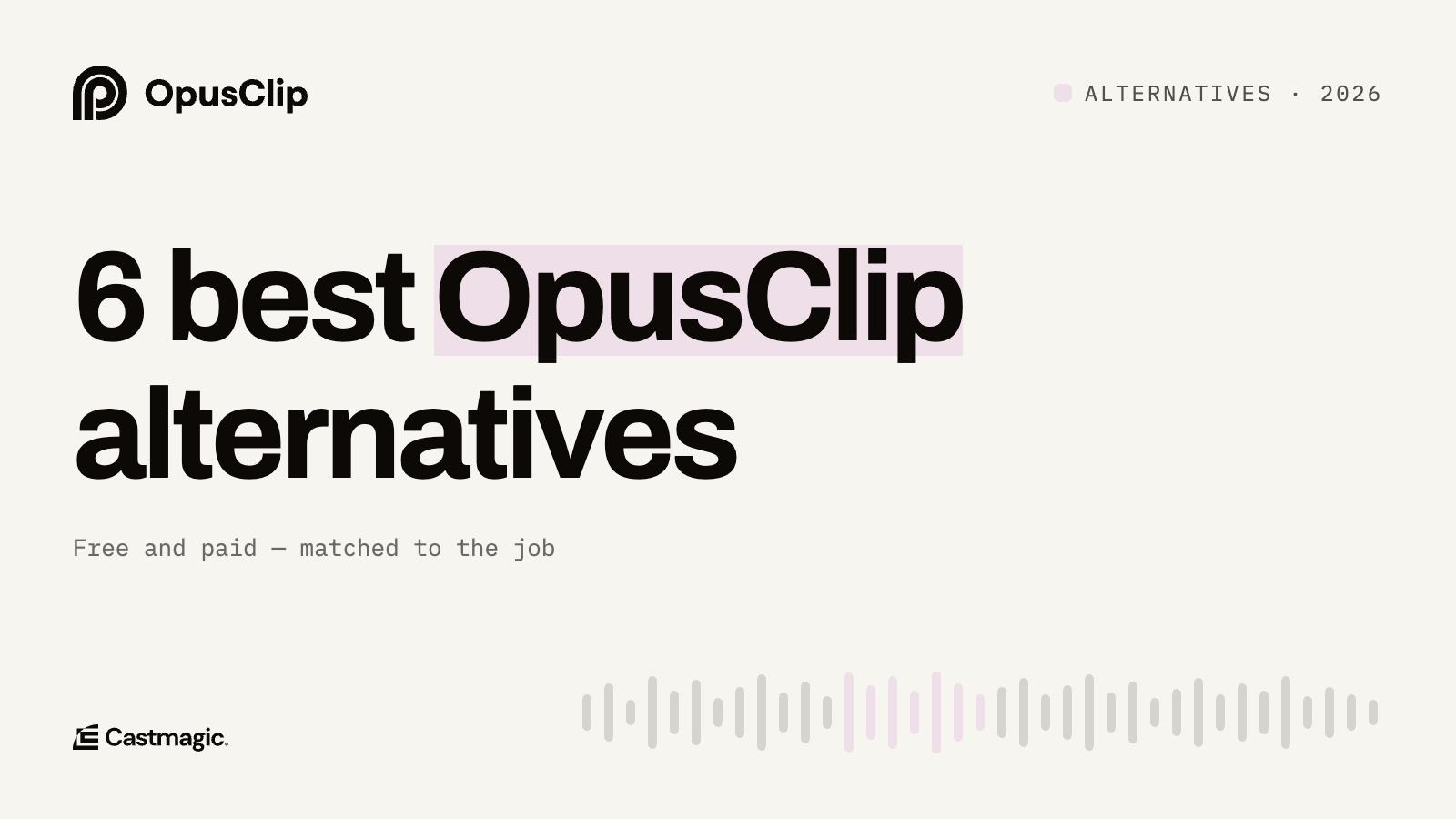
6 Best OpusClip Alternatives in 2026 (Free and Paid)
How Long Can an Instagram Reel Be: What You Need to Know