
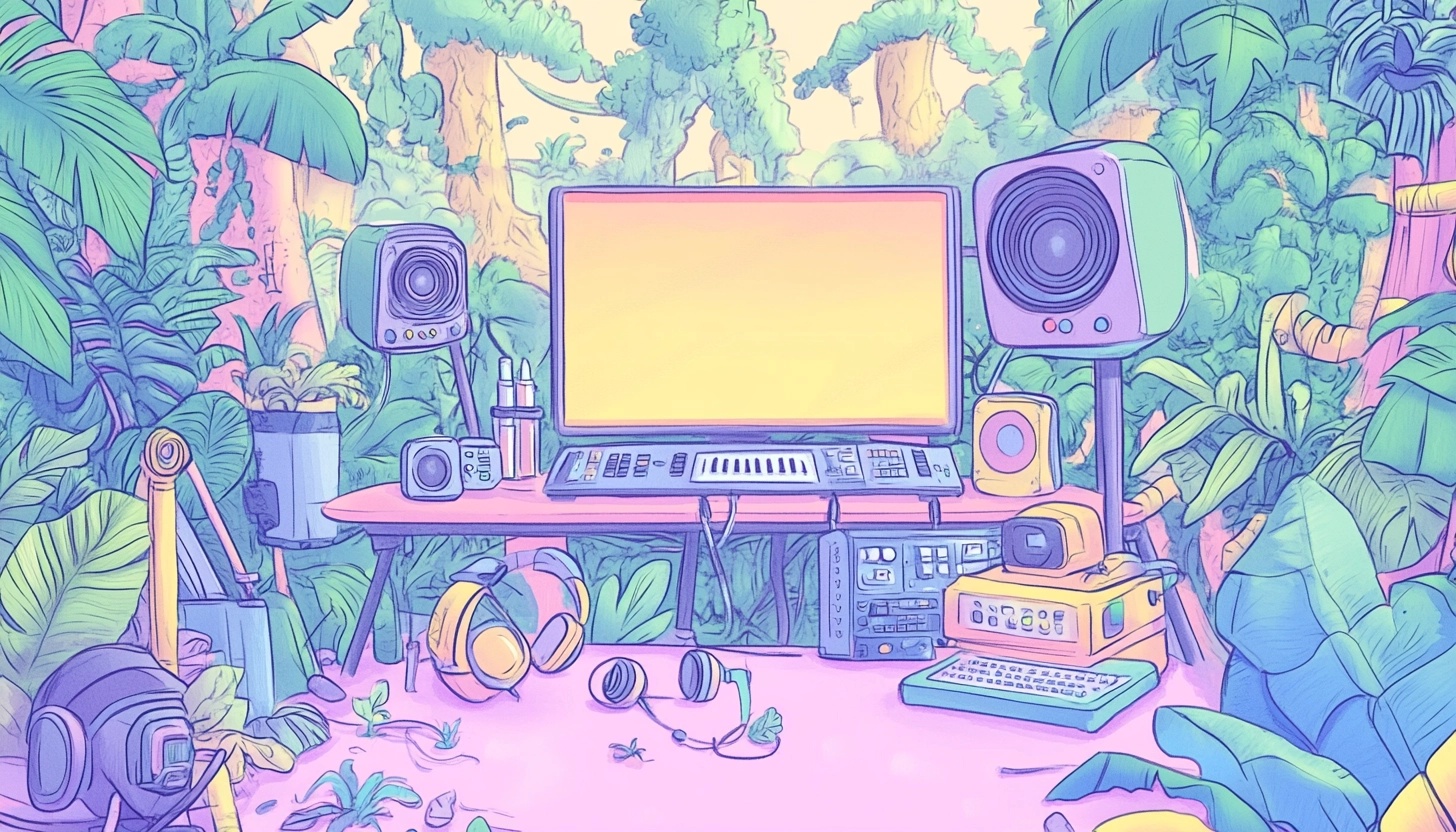
Best Podcast Studio Design Ideas: Improve Your Audio
Setting up a home podcast studio can be one of the most exciting projects for aspiring content creators! Whether you're just starting your podcast or looking to upgrade your current setup, the design and quality of your podcast studio directly impacts both your audio quality and your overall experience as a creator.
We've all listened to podcasts with terrible audio. We can hear it now! Ugh – the echoing, the background noise, the difficult-to-hear conversations.
These issues can make even the most interesting content unlistenable! That's why we're diving deep into the best podcast set up ideas that will transform your recording space into a professional-grade studio.
Optimizing Your Podcast Studio Setup for Superior Audio
When it comes to creating professional-sounding podcasts, your podcast equipment placement and sound environment are everything! Understanding the difference between soundproofing and acoustic treatment is crucial for optimizing your podcast studio.
Soundproofing involves preventing outside noise from entering your recording space through methods like sealing gaps around doors and windows or adding extra layers of drywall. On the other hand, acoustic treatment focuses on controlling sound reflections within your space using foam tiles, bass traps, and diffusers.
For podcast set up ideas that truly enhance your audio quality, consider the placement of your microphones and other equipment. Condenser microphones, popular among podcasters for their sensitivity, should be positioned at lease 4-6 inches away from the speaker.
Using a pop filter helps reduce plosive sounds that occur with certain letters like "P" and "B." A shock mount can also be incredibly valuable for reducing vibrations from external sources that might otherwise be picked up by your microphone.
Creating proper distance between hosts, guests, and microphones prevents audio bleeding and maintains clarity. In smaller podcast spaces, this can be challenging, but creative solutions like portable reflection filters that wrap around microphones can significantly improve your immediate sound environment without requiring extensive room modifications.
Designing Video Podcast Backgrounds That Engage Viewers
With the rising popularity of video podcasts, your podcast background has become almost as important as your audio quality! Creating depth in your background prevents your video from looking flat and uninteresting. Consider using bookcases, themed decorations, or artfully arranged furniture to add visual dimension to your podcast space.
Incorporating brand elements into your background can reinforce your podcast's identity, but be careful not to create visual distractions that might pull attention away from the conversation. Subtle logo placement, consistent color schemes, and carefully selected props that relate to your podcast's theme can create a cohesive look without overwhelming viewers.
Lighting is also absolutely essential for video podcasts! Use a mix of natural and artificial light to create a warm, welcoming atmosphere. Key lights positioned at a 45-degree angle will illuminate your face evenly and reduce unflattering shadows.
Don't forget about background lighting, which adds depth and separates you from your background for a more engaging visual. For podcasters looking to experiment, green screens offer flexibility to create virtual backgrounds that can change depending on your episode's theme.
Ergonomic Considerations for Your Podcast Space
We often overlook the importance of comfort when setting up a podcast studio, but ergonomics can make or break your recording experience. Long podcast sessions can become physically taxing if your space isn't designed with comfort in mind.
An adjustable desk allows you to switch between sitting and standing, reducing strain on your back and neck. Pair this with a comfortable chair that provides proper lumbar support.
Your microphone height is crucial. Position it at an appropriate level to avoid hunching, potentially using a microphone arm to achieve the perfect height. Ensure your computer screen is at eye level to prevent neck strain, and use a padded wrist rest if you'll be typing or using a mouse during recordings.
Cable management isn't just about aesthetics; it's a safety consideration too! Organizing your cables prevents tripping hazards and creates a cleaner, more professional-looking podcast space.
Temperature control is another often-overlooked factor. Ensure your room is well-ventilated and maintained at a comfortable temperature, as being too hot or cold can affect your vocal performance and overall comfort during recordings.
Budget-Friendly Podcast Studio Ideas
Creating a professional podcast space doesn't have to break the bank! Some of the most effective acoustic treatments can be DIY projects. Heavy blankets tacked up over windows and doors can reduce outside noise significantly.
For a more permanent solution, you can create your own acoustic panels using wooden frames, insulation material, and fabric coverings at a fraction of the cost of store-bought options.
Multipurpose furniture that provides both functionality and sound absorption can be a game-changer for small podcast spaces. A comfortable couch with plenty of throw pillows can double as guest seating and sound treatment.
Bookshelves filled with books not only create an interesting background for video podcasts but also help diffuse sound reflections.
When working with a limited budget, knowing where to invest versus where to save is crucial. We recommend prioritizing your spending on a quality microphone and basic acoustic treatment first.
You can always upgrade your mixer, lighting, and other equipment as your podcast grows. Even simple solutions like recording in a closet with clothes acting as natural sound absorbers can produce surprisingly professional results when you're just starting out!
Professional Podcast Setup Enhancements
As your podcast grows, you might consider creating separate zones for different activities within your studio. Having dedicated areas for recording, editing, and possibly even a guest reception space can enhance both functionality and professionalism.
This zoned approach helps maintain focus during different phases of podcast production.
Pro Tip: For serious podcasters, consider implementing professional-grade acoustic solutions.
While DIY options work well for beginners, professionally designed acoustic panels, bass traps strategically placed in room corners, and diffusion panels can create a truly studio-quality sound environment. These investments pay dividends in production value that listeners will immediately notice.
Advanced lighting setups for video podcasts might include three-point lighting systems with key lights, fill lights, and backlights that create professional-looking illumination. Incorporating technology upgrades for remote guests, such as dedicated monitor screens and high-quality audio interfaces, ensures that even long-distance conversations maintain professional quality and engagement.
Configuring Your Space for Different Content Formats
Flexibility is key when designing a podcast studio that can accommodate different content formats. Interview setups require different configurations than solo recordings, so consider how your space can be easily adjusted.
Movable furniture, adjustable microphone arms, and flexible lighting setups allow you to reconfigure your podcast space depending on the number of participants.
For podcasts that incorporate music, instrument positioning becomes an important consideration. You'll need to think about microphone placement for both voices and instruments, as well as how to arrange your space to accommodate musical equipment without compromising sound quality.
If you're planning to live stream your podcast, additional considerations come into play. Camera positioning, multiple monitoring screens, and reliable internet connectivity become essential components of your podcast studio design. Creating a space that can adapt to these various formats ensures that your podcast can evolve without requiring a complete studio redesign.
Maintaining Sound Quality in Challenging Environments
Not everyone has the luxury of a dedicated room for their podcast studio! For podcasters in apartments or shared spaces, creative solutions become necessary. Portable sound booths, temporary acoustic panels that can be set up and taken down as needed, and scheduling recordings during quieter hours can all help maintain sound quality in challenging environments.
For on-location recording, portable podcast setups become invaluable. Investing in quality headphones, portable recorders, and compact microphones allows you to maintain professional standards even when recording away from your main studio.
Consider weather and environmental factors when planning outdoor or on-location recordings, as temperature, humidity, and wind can all affect your equipment performance and sound quality.
Temporary sound treatment options, such as hanging heavy blankets or using portable reflection filters, can transform almost any space into a workable recording environment for traveling podcasters. These solutions might not be perfect, but they can significantly improve audio quality when you're away from your main podcast space.
Creating a Podcast Studio That Grows With You
Start with the fundamentals: good acoustic treatment and quality microphones. As you grow and evolve (and once you start making money podcasting!), you can always expand and/or improve your studio. The most successful podcasters know that consistency is key, so creating a comfortable space that you enjoy spending time in will help maintain your production schedule.
While visual elements are increasingly important, especially for video podcasts, never sacrifice audio quality for aesthetics. Your listeners connect primarily through sound, so prioritize creating a podcast space that produces clear, professional audio above all else.
We encourage you to implement these podcast set up ideas gradually, focusing on improvements that will make the biggest impact on your audio quality first. Remember, some of the most successful podcasts started in closets or makeshift home studios! The passion and value you bring to your content matter more than having the perfect setup from day one.
The Best Tool to Help Promote Your Podcast
While we’re talking about upgrading your podcast studio, we also want to recommend another significant upgrade - A suite of tools for promoting your podcast. It’s Castmagic, and it’s helping podcasters just like you streamline their workflow.
If you haven’t heard of it, it’s our AI-backed platform that helps you generate automatic transcripts, quickly draft show notes, come up with better episode titles and descriptions and so much more.
Here are just a few of the tools you get access to with Castmagic:
- AI Article Generator
- Podcast Clip Generator
- Podcast Newsletter Generator
- Podcast Transcription
- Social Media Post Generator
Try all of our tools for yourself for free! Click here to get started today.
More blogs like this
Descript Pricing (2026): Every Plan, What's Actually Free, and Is It Worth It?
Descript pricing explained: the free plan's real limits, what Hobbyist, Creator and Business cost monthly vs annually, AI credits, and whether it's worth it for you.

Best Generative AI Platforms: Features That Set Them Apart (And Why Castmagic Leads for Content Creators)
In this guide, we're exploring what truly separates exceptional platforms from adequate ones, examining the features that matter most, and equipping you with the knowledge to use AI effectively for your specific needs. And if you're a content creator, podcaster, YouTuber, or marketer working with audio and video, you'll discover why Castmagic has emerged as the superior choice.
How to Use AI Podcast Show Notes to Grow Your Show
What should take 30 minutes somehow stretches into two hours as you struggle to capture the essence of your conversation, identify key timestamps, and craft something that will actually help people discover your show. Sound familiar? Here's the thing though, search engines can't listen to your audio content. They rely entirely on text to understand what your episodes are about.

How to Use AI for Small Business Marketing: Make More Money
Because of AI programs, it’s easier than ever to level up your business. Whether you want to increase your output of blog posts, ramp up your social media efforts, or finally launch your email newsletter, AI software is giving you the shortcut to getting more things done in less time. Want in on this? Keep reading because in this post we’re breaking down how to use AI for small business marketing so you can make more money for your efforts.

Best Podcast Transcription Services Worth Trying Today
When you transcribe your podcast episodes, you're essentially creating a treasure trove of keyword-rich content that can boost your online visibility exponentially. Plus, you're opening your show to audiences who prefer reading over listening, not to mention those who are deaf or hard of hearing. But, we get it: manually transcribing your own podcast is brutal. That's time you could spend creating better content, connecting with your audience, or actually growing your show! The best podcast transcription services save you from this drudgery while delivering accurate, usable transcripts that work for your workflow and budget.

Best Blog Generator: 6 Tools to Save Hours on Blogging
In this guide, we're diving into seven of the best blog generators available today. Whether you're a solo entrepreneur, content marketing strategist, or digital marketing professional looking to scale your output with amazing blog ideas, we've got you covered. Let's explore how these powerful tools can transform your blogging workflow and help you reclaim those precious hours.
5 Best Repurpose.io Alternatives in 2026 (By What You Actually Need)
Looking for a Repurpose.io alternative? Here are the 5 best, split by job: creating content from a recording, cutting clips, scheduling and cross-posting, or streaming everywhere at once.
Riverside Pricing (2026): Free Plan, Pro vs Grow, and Is It Worth It?
Riverside pricing explained: what the free plan includes, what Pro, Grow, Webinar and Business cost monthly vs annually, the recording-hour limits, and whether it's worth it.

How to Use Sales Call Analysis Software to Earn More Revenue
Every single sales call your team makes contains valuable data about what works, what doesn't, and where money is being left on the table. But without the right tools to capture and analyze these conversations, those insights vanish into thin air the moment the call ends.