

5 Best Podcast Creation Tools to Include in Your Workflow
While talent and creativity play a significant role in a show's success, having the right tools at your disposal can make a world of difference in the podcast creation process. From producing and editing your podcast to launching it on the web, there are numerous tools available to help you optimize your podcast production workflow.
In this article, we'll explore some of the best podcast software and how to pick which ones to include in your digital audio workstation.
1. Best Podcast Recording Software
When starting a podcast, one of the first things you'll need is a reliable podcast recording software. Selecting one that aligns with your needs allows you to focus on delivering high-quality content without getting bogged down by technical difficulties.
Below are some of the best podcast recording software options tailored for various tasks and expertise levels.
Spotify for Podcasters: Record Podcast with Ease
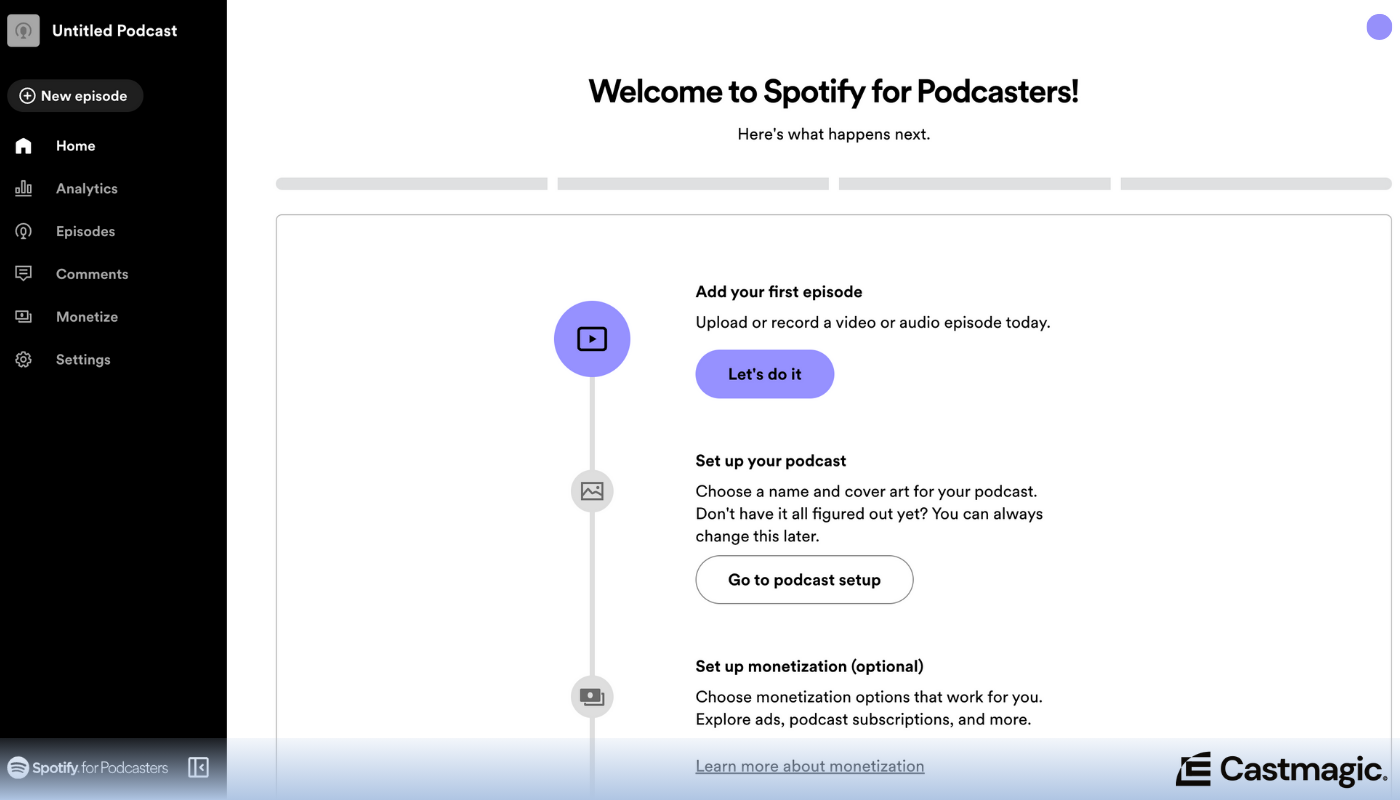
Primarily known for hosting and distributing podcasts, Spotify for Podcasters also provides basic recording functionalities, letting creators record directly within the platform via its Anchor integration. Spotify for Podcasters offers easy-to-use tools to capture audio on both desktop and mobile devices, making it accessible for podcasters on the go.
Audacity: Open-Source Audio Recording
Free podcast software, Audacity, is well-regarded for its robust multitrack recording capabilities. Its features include high-fidelity sound capture with support for various bit rates and sample rates, along with in-depth editing options such as background noise reduction and equalization.
Zencastr: High-Quality Remote Recording Studio
Zencastr excels at remote podcast recordings by allowing each participant's audio (and video) to be recorded locally in high quality before being uploaded to the cloud. This ensures clear audio or video podcasts without internet-related disruptions, offering WAV format outputs that are ideal for professional-sounding results.
Squadcast: Audio and Video Podcast Software
Designed specifically with podcasters in mind, Squadcast allows remote recordings for both audio and video podcasts with crystal-clear HD quality. It ensures each participant's tracks are saved locally on their devices before being seamlessly combined in the cloud, supporting multi-party sessions with up to four guests while maintaining studio-quality output.
Podcastle: Simplified Recording for Podcasters
As an all-in-one recording solution, Podcastle offers AI-powered tools designed to enhance podcast production. Its standout feature is the ability to record and edit high-quality audio files directly from the browser, along with advanced noise cancellation and voice enhancement options for pristine sound capture.
GarageBand: Apple's Powerful Audio Recording Solution
GarageBand provides an intuitive interface for multitrack recording, making it accessible yet powerful for podcasters on Apple devices. It supports live instruments and digital audio tracks alike, offering various pre-set templates ideal for podcast creation along with a suite of editing tools that allow precise control over each recorded segment.
2. Best Podcast Editing Software
High-quality audio editing is essential for producing professional-sounding podcasts. Audio editors can enhance your podcast's quality with features for eliminating background noise, adding sound effects, and cutting and splicing audio files, among others.
Several popular audio editing tools are available, each offering a unique set of features to cater to different needs and skill levels. Some of the best software for podcast editing are:
Reaper: Powerful & Flexible Audio Editing Software
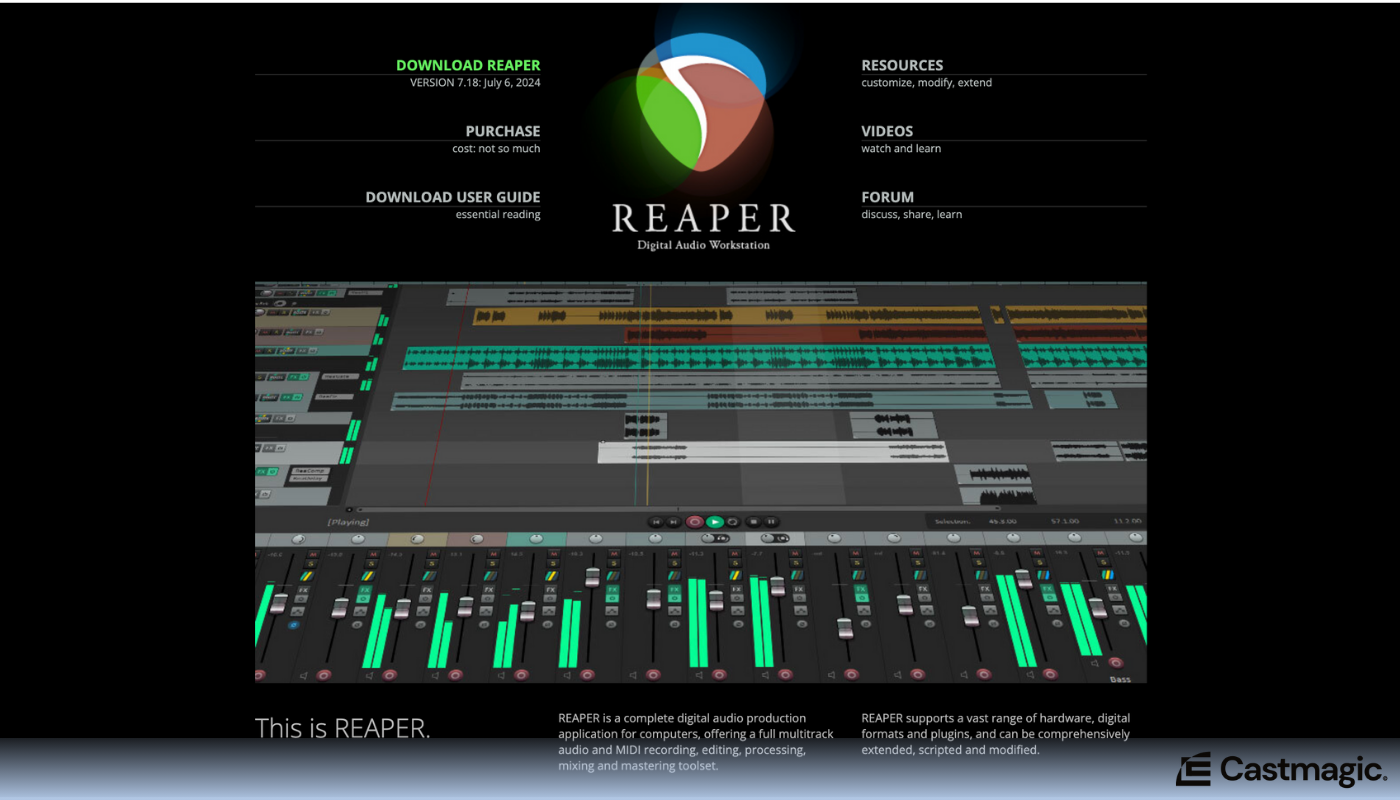
Known for its extensive customization options and highly efficient processing capabilities, Reaper stands out in the realm of audio editing. It offers detailed waveform visualization, multitrack recording, and a comprehensive suite of advanced effects for fine-tuning your audio files precisely as needed.
Alitu: Streamlined Podcast Editing
For podcasters looking to simplify podcast creation, Alitu offers an intuitive interface that automates much of the audio editing process. Alitu's notable features include noise reduction, theme music integration, and automatic leveling of audio levels for a polished final product.
Adobe Audition: Professional-Grade Podcast Editing Software
Packed with professional-grade tools for intricate sound editing and restoration tasks, Adobe Audition is a top choice for audio editors. Adobe Audition's key features include spectral frequency display for precise edits, powerful noise reduction algorithms, multi track mixing support, and seamless integration with other Adobe Creative Cloud apps.
AudioDirector: Precision Podcast Editing and Mixing
With its blend of intuitive workflows and sophisticated features, AudioDirector excels in post production audio enhancement. It includes tools like visual effect timelines, precision adjustments with spectral view editing, round-trip editing with PowerDirector video editor, and easy-to-use denoise filters.
Logic Pro: Studio-Quality Podcast Editing Tools
Both beginners and seasoned professionals will benefit from the studio-quality audio editing capabilities of Logic Pro. Notable functionalities include track stacks for organizing complex projects efficiently; Flex Time to adjust timing seamlessly; advanced EQ controls; a wide range of plug-ins; MIDI sequencing; cross-fades; and support for surround sound, making it a comprehensive tool for creating polished podcast episodes.
Auphonic: Automatic Audio Post Production
Auphonic specializes in automatic audio processing to enhance the quality of recordings effortlessly. It offers features like noise reduction, loudness normalization (compliance with various broadcasting standards), speech recognition, multi track production automation, and automatic metadata tagging to streamline post-production tasks while ensuring optimal audio clarity.
3. Best Podcast Hosting Platforms
Podcast hosting platforms provide the necessary infrastructure for storing and distributing your podcast episodes to various directories like Apple Podcasts and Spotify. These services often offer additional features such as analytics, episode scheduling, and embeddable players.
Here are some of the best software for podcast hosting:
Simplecast: Comprehensive Podcast Hosting
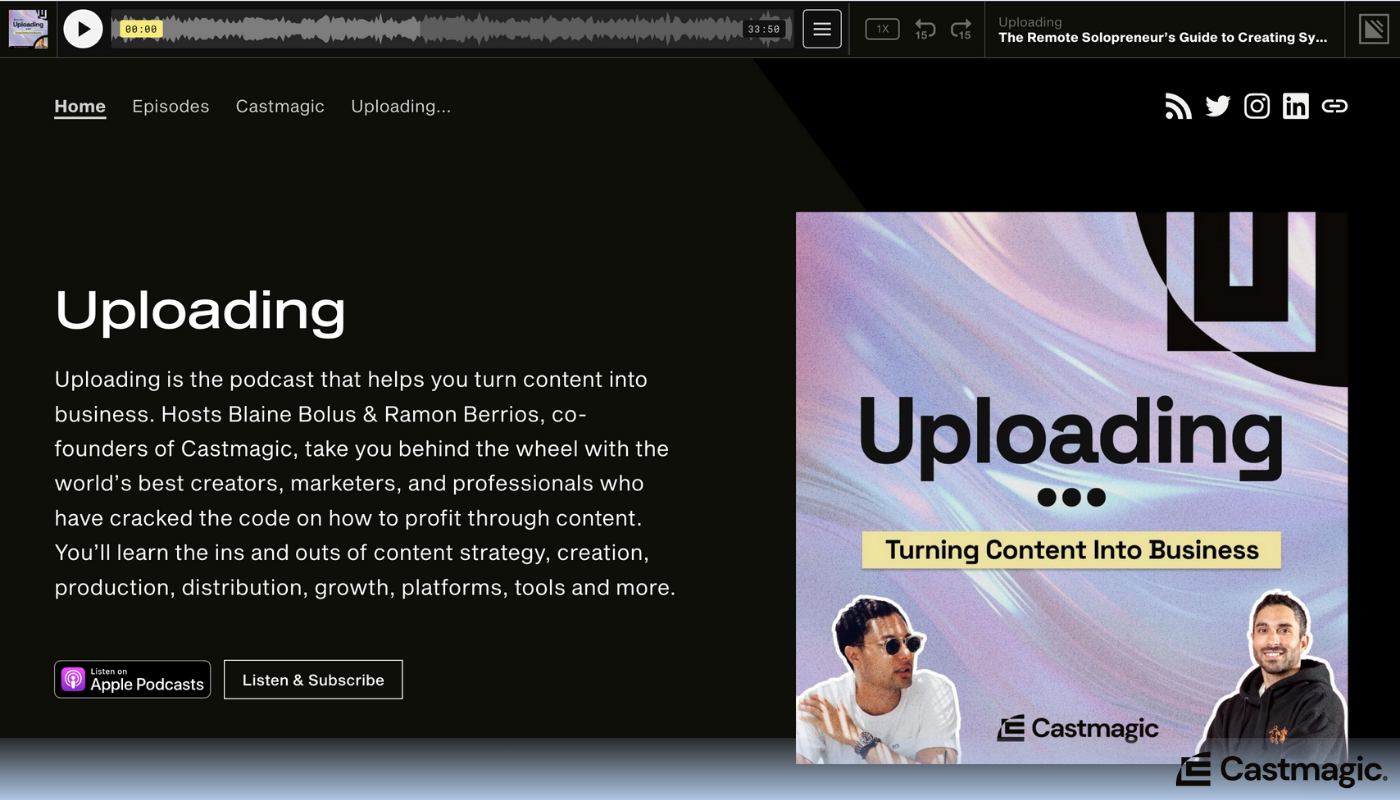
This is a robust podcast hosting platform that offers comprehensive tools for podcasters to distribute, analyze, and monetize their content. Simplecast provides features like customizable RSS feeds, detailed audience analytics, and seamless integration with major distribution channels. Its user-friendly interface makes podcast management straightforward while ensuring high-quality audio streaming capabilities.
Libsyn: Robust Podcast Hosting & Distribution
Libsyn (Liberated Syndication) is one of the oldest and most reliable podcast hosting services in the market, known for its robust analytics and extensive distribution network. Podcasters can utilize advanced customization features to tailor their feed and monetize their content through advertising opportunities provided by Libsyn.
Buzzsprout: Friendly Podcast Hosting Experience
A user-friendly software for podcast hosting, Buzzsprout provides a seamless experience from upload to distribution. Its detailed statistics help podcasters understand their audience better as well as offering useful features like automatic episode optimization and monetization options to enhance overall podcast management.
Podbean: Integrated Podcast Hosting & Streaming
Podbean provides an integrated podcast software that supports not only hosting but also live streaming capabilities. Suitable for both new creators and established podcasters, it includes monetization channels such as ads and listener support alongside powerful promotional tools aimed at maximizing reach.
Spreaker: Advanced Live Broadcasting
This podcast software caters to both novice users with its straightforward interface as well as seasoned professionals looking for advanced live broadcasting functions. Spreaker stands out by combining high-quality storage and distribution with an interactive live podcasting experience, allowing hosts to engage with their audience in real time.
Transistor: Reliable Podcast Hosting for Professionals
Transistor is tailored towards businesses and professional podcasters who require reliable hosting paired with powerful analytics. The podcast software excels at ease of use while providing crucial insights into listener behavior and demographics, along with collaboration features that allow multiple team members to manage episodes seamlessly.
4. Best Podcast Software for Transcription & Repurposing
Transcribing your podcast episodes offers several benefits, including making your content more accessible, improving SEO, and providing valuable resources for your listeners. Meanwhile, repurposing podcast content can help you reach a wider audience, increase engagement, and effectively utilize your existing material across various platforms.
There are several software for podcast transcription and repurposing that you can use post production to help enhance your show's impact. The best ones are:
Castmagic: Best Podcast Software for Transcription & Repurposing
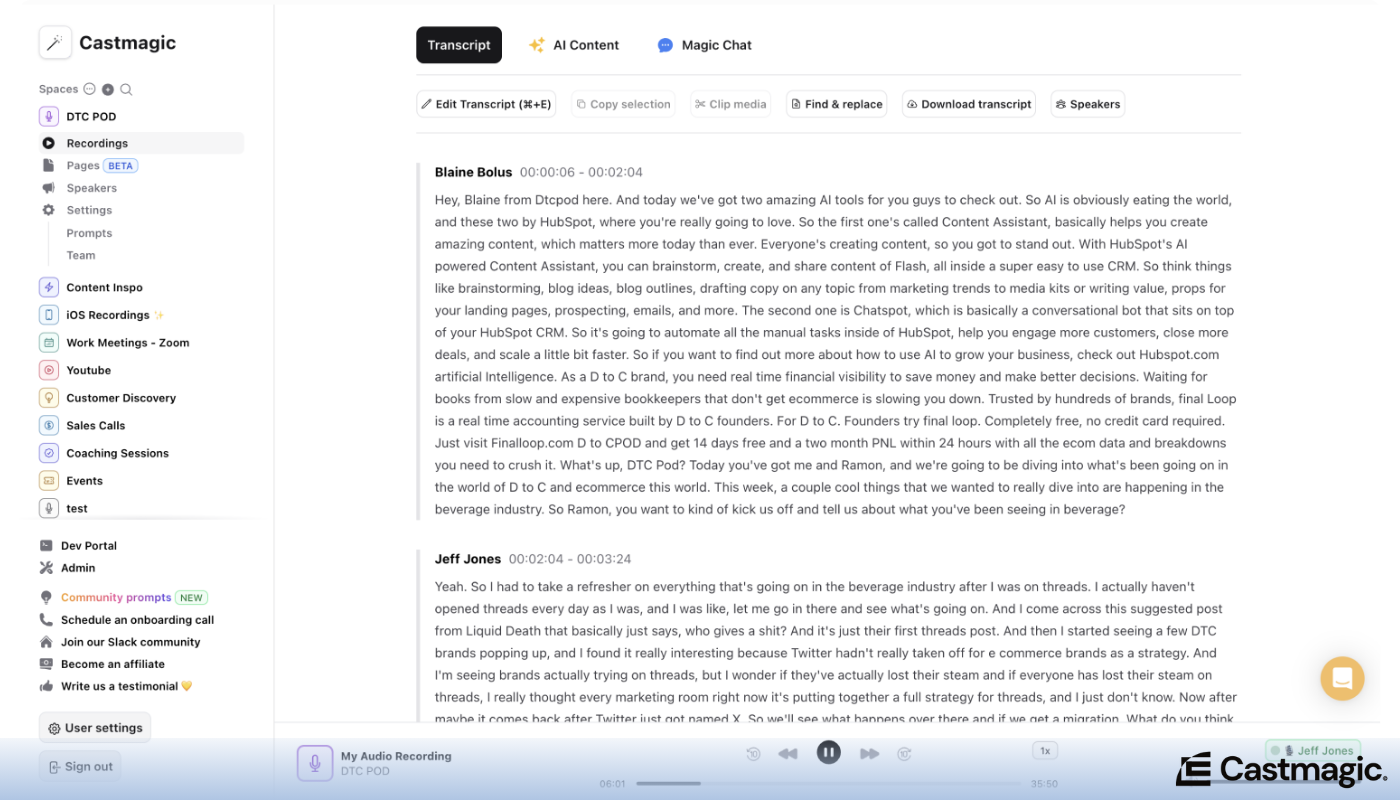
Castmagic is a robust tool designed for podcast transcription and repurposing. It seamlessly converts your podcast audio into text while offering advanced features to repurpose that content into blog posts, social media snippets, and more. This makes Castmagic unique on the list as it provides an all-in-one solution for maximizing the reach of your original podcast material.
Rev: Human-Generated Transcriptions
Known for its high accuracy due to human transcribers, Rev offers quick turnaround times and supports multiple languages. This transcription service is ideal for podcasters who need reliable transcripts with minimal errors.
Otter.ai: Transcribe Efficiently with AI
This cloud-based platform leverages advanced AI to provide real-time transcription and collaborative note-taking features. Otter.ai has features for speaker identification and integration with major conferencing tools, appealing to users looking for seamless collaboration in addition to accurate transcriptions.
Trint: Interactive Transcription and Editing
Trint uses AI-driven technology to convert audio into precise transcriptions while providing an intuitive editing interface. It's particularly popular among journalists and content creators due to its robust search functionality and the ability to easily edit transcripts within the platform.
Cleanvoice: Clear and Reliable Transcription Services
Not only does Cleanvoice provide a transcription service, it also enhances podcast audio quality by removing filler words, stutters, and other imperfections. This dual functionality makes it attractive for podcasters seeking both clean audio output and accurate written records of their shows.
Sonix: Automated Transcription Innovation
Sonix offers automatic transcription powered by cutting-edge speech recognition technology, producing speedy results at competitive prices. The platform boasts powerful features like multi-language support, automated translation, and user-friendly transcript editing tools that streamline the workflow for content producers.
5. Best Podcast Software for Marketing & Promotion
Having top-notch content is just one piece of the puzzle. Effective podcast marketing and promotion are crucial to reaching your target audience and building a loyal listener base.
A variety of powerful software tools can help podcasters not only share their episodes but also craft engaging promotional materials that amplify their reach across platforms. To promote your podcast, consider using the podcast software such as:
Beehiv: Software for Podcast Newsletters
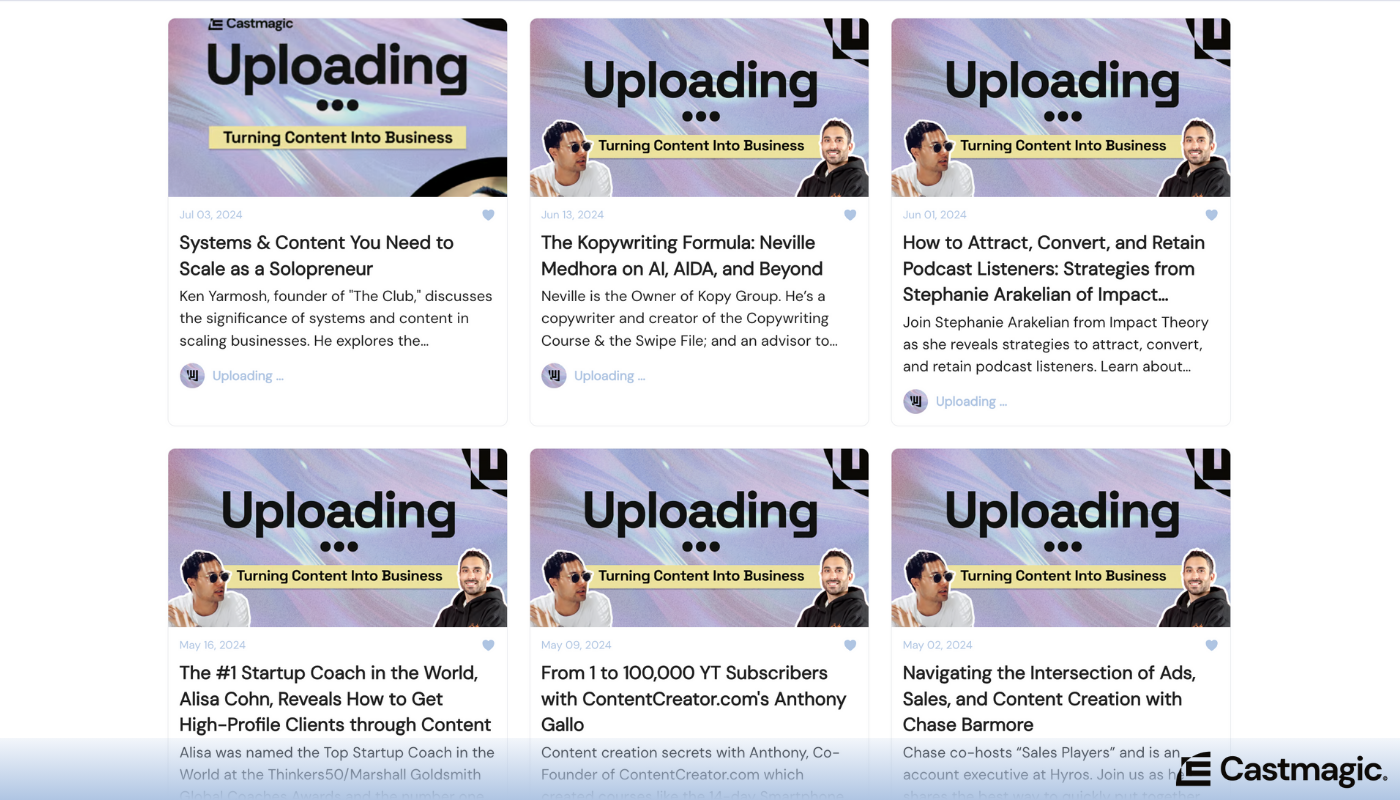
Podcast newsletters are one of the best ways to grow your subscriber base. With Beehiiv, you can craft engaging newsletters that keep listeners updated on new episodes, behind-the-scenes insights, and special announcements. Leveraging such consistent communication helps maintain a loyal fan base while attracting potential new listeners through word-of-mouth recommendations.
Headliner: Podcast Software for Creating Audiograms
This tool is designed specifically for creating visually compelling audiograms—a perfect blend of audio snippets with visual elements—that can be shared on social media platforms. With Headliner, you can effortlessly convert your podcast episodes into eye-catching videos to attract more listeners.
Canva: Free Podcast Marketing Tool
Every marketer today should be familiar with Canva. Known for its easy-to-use design platform, Canva is ideal for making podcast promotional materials. From episode cover art to social media banners, it offers thousands of templates and resources so even beginners can produce professional-quality visuals quickly and efficiently.
Wave.video: Software for Podcast Hosting & Promotion
This platform combines video creation with hosting capabilities, making it easier than ever to create short promotional clips or full-length video podcasts. Wave.video supports customization through various text overlays, animations, and transitions to make sure each clip stands out and resonates with your audience. Wave.video is a fantastic choice for podcasters looking to expand their reach by integrating video elements into their marketing strategy.
Adobe Spark
Adobe Spark offers robust features for creating and sharing compelling social graphics, web pages, and short videos in minutes. Its intuitive drag-and-drop interface allows you to design promotional materials that can help highlight new episodes, special segments, or guest appearances effectively across social media channels.
Podcastpage: Best Podcast Website Builder
You don’t need extensive technical skills to build a professional podcast website. Podcastpage is an all-in-one website builder, specifically designed for podcasters. It automatically updates with your latest episodes and includes SEO tools, customizable themes, and built-in forms for email capture—all crucial components for promoting your podcast efficiently online.
Tips for Building Your Podcast Creation Toolkit

Now that you’ve explored the 30 best software options available for podcast creation, it's time to narrow down your choices and build a comprehensive toolkit tailored to your specific needs.
Here are some tips on how to select the best podcast software from each of the categories above.
1. Understand your podcast creation needs
Every podcast is unique in its requirements based on factors like format, production value, frequency of episodes, and audience engagement levels. Start by pinpointing what podcast software features are essential for your show's success.
- Podcast Recording Software: Do you need one that supports multitrack recording? Remote recording sessions? Live streaming?
- Podcast Editing Software: Are you looking for simple edits or complex sound design capabilities? Do you need ones that offer royalty free music and sound effects?
- Podcast Hosting Platforms: Will you require features for analytics or monetization? Will integration with major podcast directories like Apple Podcast and Spotify be seamless?
- Podcast Software for Transcription & Repurposing: How much of the podcast creation process would you like to automate?
- Podcast Software for Marketing & Promotion: What platforms would you need to create content for post production?
2. Evaluate podcast software compatibility
To minimize technical issues, ensure your podcast software choices integrate smoothly or support common file formats. Also check if they are compatible with:
- Your existing podcast hardware (microphones, mixers, etc.)
- The operating system your podcast team is using (Window/Mac/Linux)
3. Budget for podcast software wisely
When considering to invest in a podcast software, it's important to:
- Consider the total cost of ownership, both the initial setup fees and ongoing subscription costs.
- Prioritize features based on their importance to your podcast goals. Consider whether certain podcast software features can be deferred or obtained through alternative means (e.g., free tools or separate services).
- Use free trial versions of different software options to determine which fits your digital audio workstation best without incurring upfront costs.
4. Read podcast software reviews and seek recommendations
Before making final decisions, read user reviews and seek recommendations from fellow podcasters. User feedback can provide insights into potential problems or advantages.
- Check out detailed reviews on industry blogs (like this one!) and forums to get an unbiased view.
- Join podcasting communities on social media platforms like Reddit or Facebook where experienced podcasters share their firsthand experiences.
To Each Podcaster, Their Own Podcast Software
In the ever-evolving world of podcasting, there is no one-size-fits-all solution. The diverse array of podcast creation tools available today—spanning from audio recording and editing software to podcast hosting platforms, content repurposing, and promotional aids—empowers podcasters to tailor their toolkit precisely to their needs, goals, and style.
The key takeaway from our exploration of these 30 exceptional podcast creation tools is flexibility. Don’t hesitate to mix and match podcast software solutions until you find the perfect synergy for your workflow. Remember that what works brilliantly for one podcaster might not be suitable for another; it's about discovering what complements your creative process and helps you build engaging episodes consistently.
More blogs like this

Best Blog Generator: 6 Tools to Save Hours on Blogging
In this guide, we're diving into seven of the best blog generators available today. Whether you're a solo entrepreneur, content marketing strategist, or digital marketing professional looking to scale your output with amazing blog ideas, we've got you covered. Let's explore how these powerful tools can transform your blogging workflow and help you reclaim those precious hours.

How Long Can an Instagram Reel Be: What You Need to Know
Instagram Reels have become the primary way creators connect with audiences, but the question isn't just "how long can an Instagram reel be?" It's about finding the sweet spot between what the platform allows and what actually performs well.We're diving deep into everything you need to know about Instagram Reels length in 2025, from the technical limits to the strategic decisions that'll make your content stand out.

Podcast Background Ideas: Quick Tips for Stunning Videos
You might already know this, but a lot of podcast listeners prefer to actively watch the video while tuning into their shows on YouTube these days. And, the first thing they see isn't your carefully crafted message or your engaging personality. It's your background.

How to Find Zoom Recordings: Step-by-Step Guide
Picture this: You've just wrapped up an important client presentation, a critical team brainstorming session, or an educational webinar that you absolutely needed to reference later. You hit that record button during your Zoom meeting, breathed a sigh of relief knowing everything was captured, and then... where did it go?

Best Generative AI Platforms: Features That Set Them Apart (And Why Castmagic Leads for Content Creators)
In this guide, we're exploring what truly separates exceptional platforms from adequate ones, examining the features that matter most, and equipping you with the knowledge to use AI effectively for your specific needs. And if you're a content creator, podcaster, YouTuber, or marketer working with audio and video, you'll discover why Castmagic has emerged as the superior choice.

How to Record Audio on iPhone: Easy Steps for Beginners
Whether you're capturing a brilliant idea at 2 AM, recording a lecture, interviewing someone for a podcast, or simply saving a voice note to remember later, your iPhone makes it incredibly simple. No fancy equipment needed.

How to Subscribe to a Podcast: Never Miss an Episode
We're going to walk you through everything you need to know about podcast subscriptions, from understanding what they really mean to mastering the process on all major platforms. Whether you're using Apple Podcasts, Spotify, YouTube Podcasts (formerly Google Podcasts), or another podcast app, we've got you covered!

Corporate Video Production Strategies for Remote Teams
Remote corporate video production, when done right, can be more efficient, creative, and cost-effective than ever before. The key is understanding how to build corporate video frameworks that work for distributed teams while maintaining the quality and consistency your brand demands.

Best AI Social Media Post Generator: Improve Your Content Creation
Whether you're managing accounts for a trendy coffee shop or a global enterprise, AI tools have evolved from simple schedulers into intelligent creative partners that understand your brand voice and audience preferences. Let's dive into everything you need to know about AI social media post generators. We'll explore what makes these tools indispensable, how to choose the right one for your needs, and how to maximize their potential without sacrificing authenticity.